One lab. Four clouds. Every OS
Train your students or customers on the real cross-cloud world. Azure, AWS, GCP, Oracle — Windows, Linux, Hyper-V — with consistent UX, budget caps, and white-label portals.
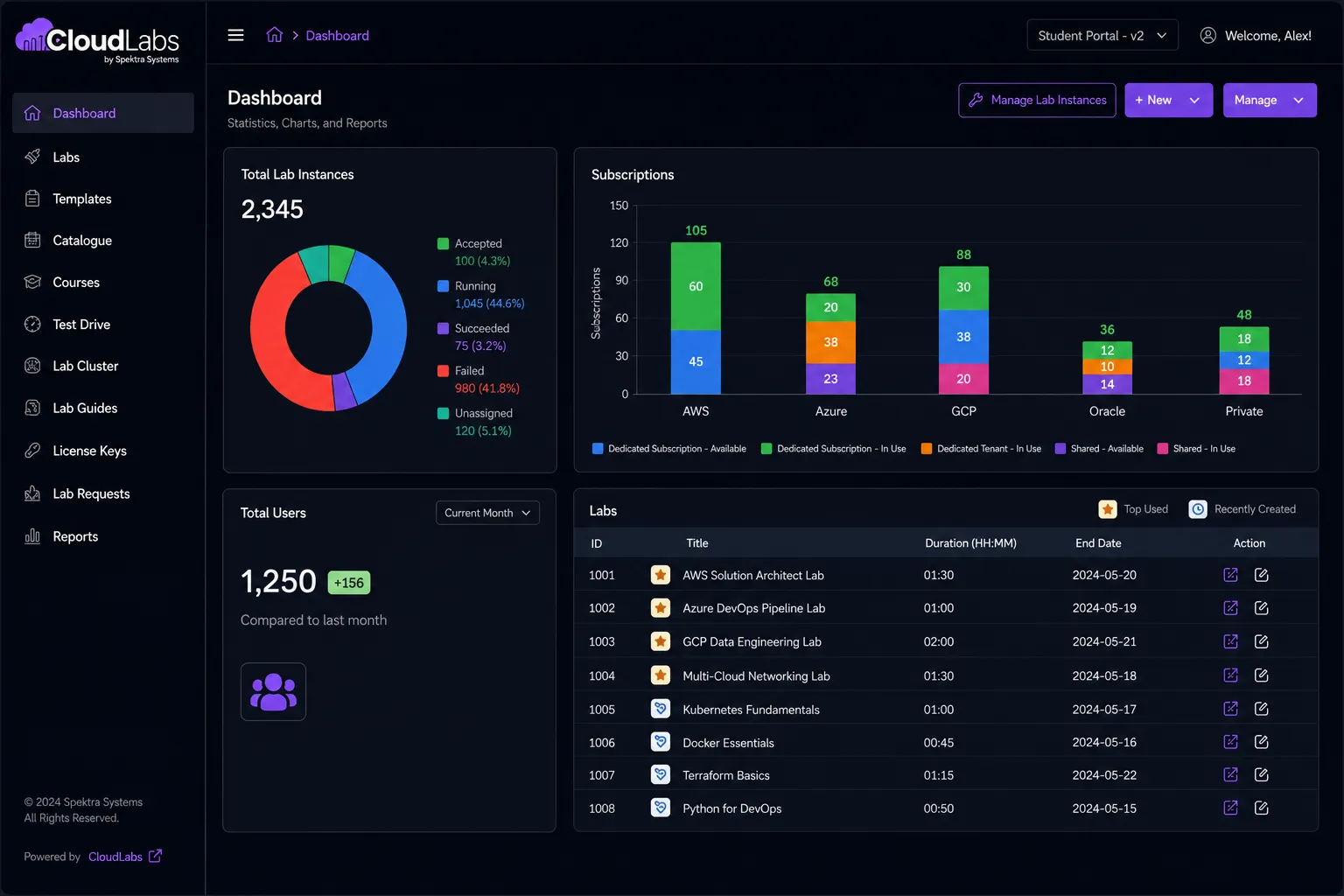
| Azure | AWS | GCP | Oracle | |
|---|---|---|---|---|
| VM provisioning | ||||
| Windows + Linux + Hyper-V images | ||||
| Budget caps + auto-shutdown | ||||
| Multi-cloud combined in single lab | ||||
| Branded white-label portal | ||||
| Browser-based RDP / SSH access |
Sandbox use cases across every cloud
-
Security testing & vulnerability assessment
Simulate threats, test for malware, and evaluate security postures in isolated Windows, Linux, or hybrid environments — without risking production.
-
Cloud prototyping
Build and test new cloud architectures across Azure, AWS, GCP, or Oracle. Iterate freely before promoting changes to production.
-
Application & OS testing
Validate software updates, OS upgrades, and configuration changes on Windows servers, Linux distros, or both — in cloud-isolated VMs.
-
Security research
Stand up dedicated environments for vulnerability research, penetration testing, and security tool evaluation, with browser-only access.
-
Cross-platform compatibility
Run the same lab spec across multiple OSes and clouds at once. Compare behavior side-by-side without buying hardware.
-
Distributed team training
Spin up identical sandbox VMs for every learner, anywhere in the world. Same experience, no local setup, no GPU shipping.
Why CloudLabs?
-
Pre-configured environments
Windows, Linux, and Hyper-V VMs deploy in minutes with the right software, drivers, and policies pre-applied.
-
Isolated by default
Each sandbox is fully isolated — safe for malware analysis, security scenarios, and risky tests.
-
White-glove support
Cloud and OS-fluent SMEs available 24×7 for any sandbox question.
Productivity
Accelerate cross-team productivity
Accelerate release cycles on a global scale by quickly testing prototypes across clouds and OSes, followed by on-the-go issue resolution.
- Speed up your development and testing process.
- Request additional time per environment as needed.
- Revert your resources in real-time.
Cost control
Optimized sandbox environment
Get complete visibility into forecasted and actual costs over hands-on notifications and resource management tools available across every cloud you use.

- Set credit limits or extend them at intervals as needed.
- Track credit usage with timely updates sent from CloudLabs over email.
- Schedule auto-deallocation of idle VMs.
Managed access
Managed sandboxing on the cloud
Experience seamless compatibility with Windows servers, Linux distributions, and Hyper-V hosts — accessible from any modern browser without local setup.
- Access sandbox VMs through a web browser via RDP or SSH over HTTPS.
- Test suspicious applications without risking the primary system.
- Schedule deletion of lab environments when limits are exhausted.
Operating cross-cloud at scale
-
Train on the cross-cloud reality
Most enterprise workloads aren't single-cloud. Your labs shouldn't be either.
-
Guardrails everywhere
Per-user spend caps, idle detection, auto-shutdown — across all four clouds.
-
Same UX, every cloud
One end-user portal. One admin portal. The cloud differences are abstracted.
24×7 globally
Global support options
Select your preferred data-residency region with CloudLabs, ensuring compliance and control over the location of your VMs. Access support and localization services available in a variety of languages — for a truly inclusive and seamless global experience.
Multi-language coverage
- English
- Español
- Français
- Deutsch
- Italiano
Regions
-
North America
Redmond, WA + Toronto, ON
-
EMEA
Bangalore + Hyderabad delivery hubs
-
APAC
Bangalore + Hyderabad delivery hubs
Train on multi-cloud, not single-cloud
Book a demo to see CloudLabs running a real Azure + AWS + GCP environment side-by-side, with Windows and Linux VMs in a single lab.