Free playbook · 2026 Edition
Azure Lab Services Migration Playbook: move your labs without starting from scratch
- Find out where you stand with a 10-question readiness check
- Decide which labs to rebuild and which to migrate as-is
- Follow a 9-phase plan your leadership can sign off on
What's inside the playbook
The Azure Lab Services Migration Playbook is a free PDF from CloudLabs for IT and academic technology teams moving courses off Azure Lab Services before it retires on June 28, 2027.

Contents
- Azure Lab Services Is Retiring. What Happens to Your Labs? 4
- Your Migration Journey Should Start with a Plan 4
- Your Journey, From Assessment to Production 5
- How to Use This Playbook 5
- Migration Readiness Checklist 7
- What Changes With CloudLabs VM Labs 9
- Chapter 1 — The Retirement Is Here 10
- Chapter 2 — Meet CloudLabs VM Labs 11
- Chapter 3 — The Most Trusted Replacement 13
- Chapter 4 — Start with a Free POC 21
- Chapter 5 — The Migration in Practice 22
- Chapter 6 — Why Migrate Now 24
- Sources 29
- Editorial Note 30
Pages 2–3
The readiness checklist, all six chapters and the sources, each with its page number.
Page 11
Chapter 2 opens with the fully managed Azure Lab Services replacement, trusted by 100+ institutions and on the Azure Marketplace.
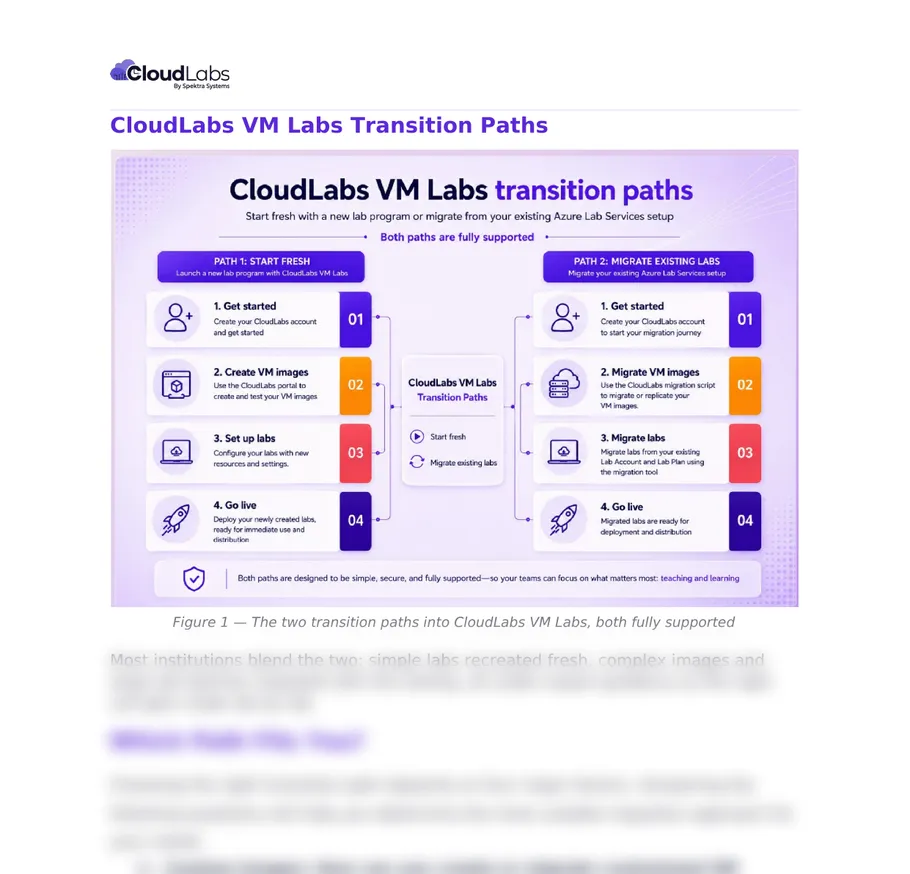
Page 12
Start fresh in the portal, or migrate as-is with the image script and lab migration tool. Most institutions do both.
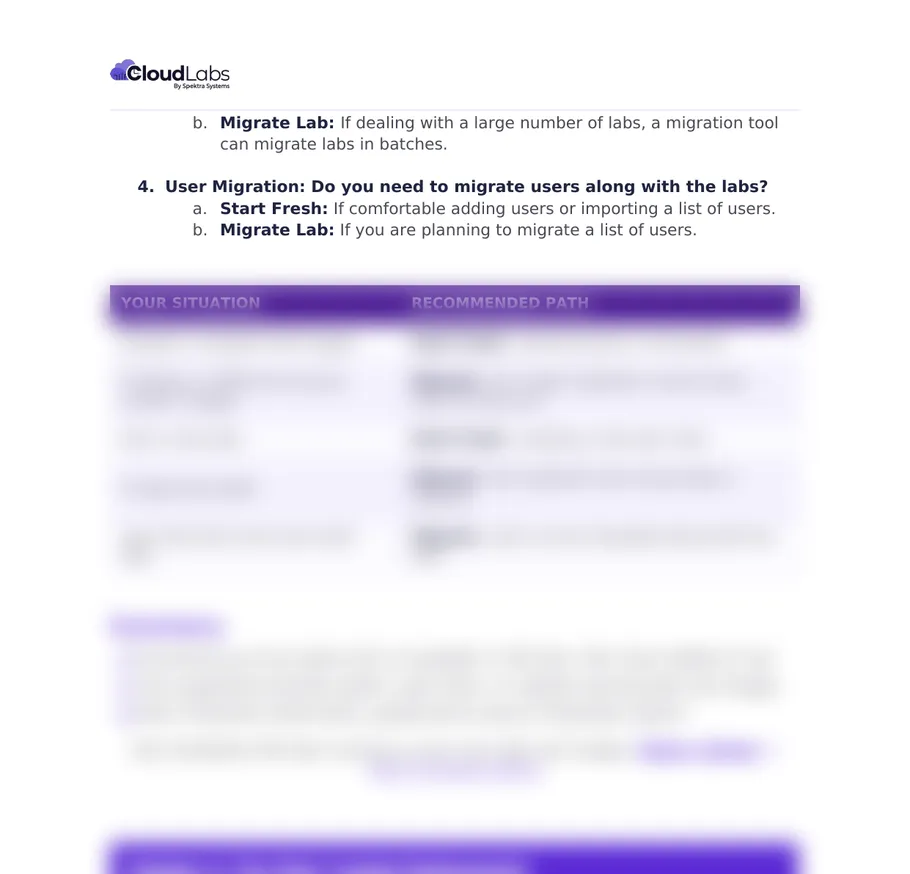
Page 13
Five situations, each mapped to a path: simple images start fresh, complex images and large lab estates migrate.
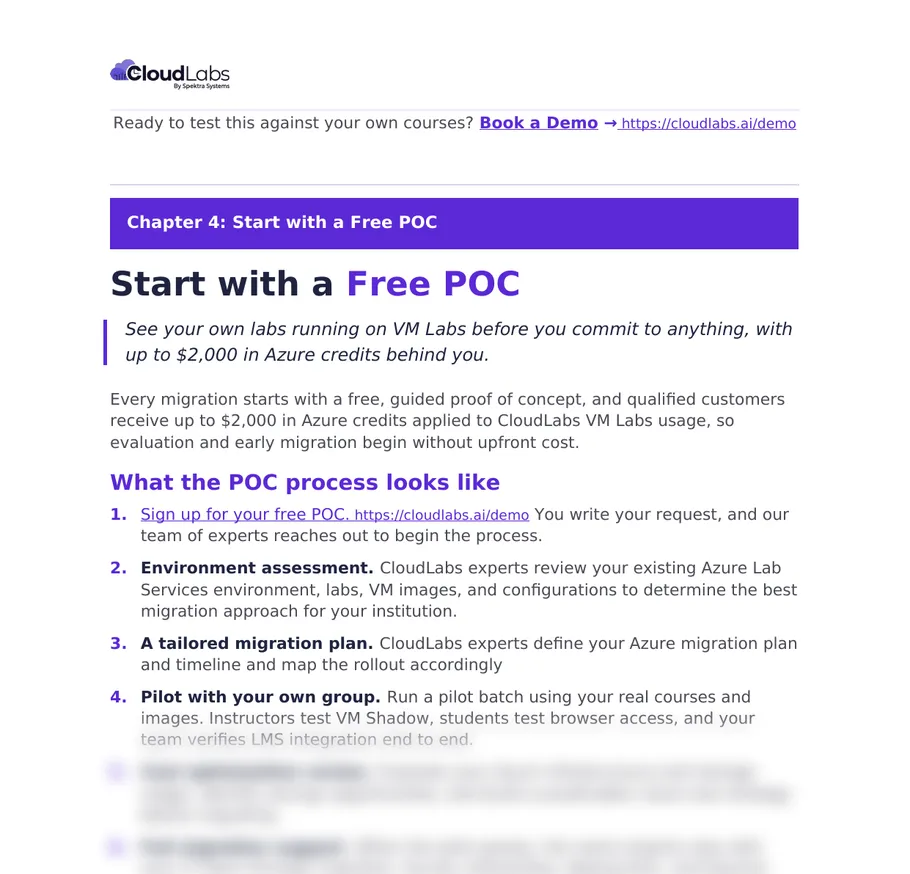
Page 21
Six steps from sign-up to full migration support. Qualified migrations can get up to $2,000 in Azure credits.
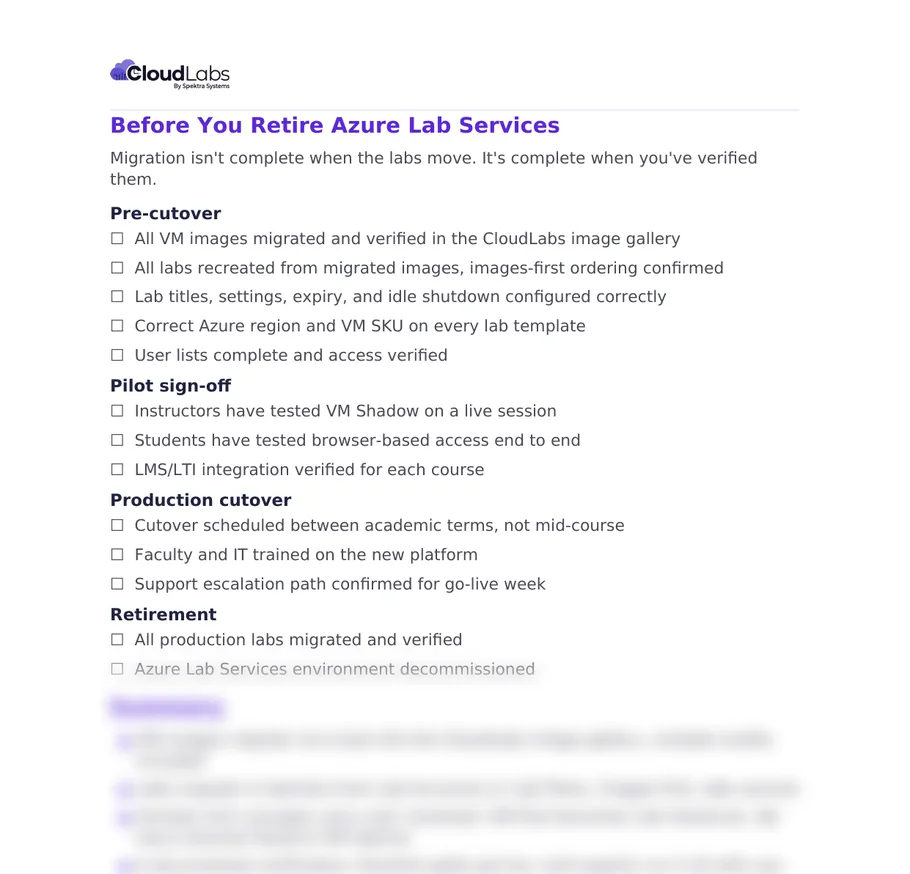
Page 24
Sign-off in four stages: pre-cutover, pilot, production cutover and retirement. Cutover lands between terms.
Migration readiness check: how ready is your institution?
Answer 10 yes/no questions in 2 minutes. No email needed to see your result.
Your readiness score: 0 out of 10
You're ahead of most institutions.
Your foundation is strong. Next is execution: confirm your path, run your pilot, lock the timeline. Chapters 4 and 5 show how.
You've started. A few gaps remain.
Now is the time to validate your images and build a roadmap before your academic calendar narrows your options. The playbook shows how to close each gap you marked “No”.
You have time, if you start now.
Starting early gives you room to evaluate, pilot, train faculty and migrate without disrupting teaching. Begin with the Migration Readiness Checklist and Chapter 1.
Where the playbook helps
Your labs work today
After June 28, 2027, they won't
Until retirement, nothing visibly changes: classes run, students sign in. After June 28, 2027, your labs, lab plans and lab accounts are no longer accessible. Images saved to an Azure Compute Gallery stay available, but everything built around them in Azure Lab Services has to be recreated somewhere. Read Microsoft's retirement guide.
-
Your custom images
Refined over semesters. Need to be identified and moved before your final term on ALS.
-
Your courses and existing LMS
Instructors and students rely on LTI integrations that must be retested.
-
Your academic calendar
Cutovers belong between terms. On most calendars, that leaves roughly two windows before the deadline.
Your migration doesn't need to happen all at once. It needs to happen early enough to do it properly.
FAQ
Questions about
the playbook
Who is this playbook for?
IT, academic technology and lab teams at institutions that still run courses on Azure Lab Services, plus the leaders who need to approve a migration plan.
Is it really free?
Yes. Fill in the form and the PDF downloads straight away.
Can I share it with my team and leadership?
Yes. The Evaluation Scorecard and the 9-phase plan are written to drop straight into a leadership update.
How is this different from your migration guide?
The step-by-step migration guide explains how images and labs move. The playbook adds the readiness checklist, evaluation scorecard, example pricing, POC process and a full migration plan you can work from.
Can we test CloudLabs VM Labs before committing?
Yes. Start with a free, guided POC on your own courses and images. Qualified Azure Lab Services migrations can receive up to $2,000 in Azure credits.