14 Best Vocareum Alternatives in 2026
Compare 14 Vocareum alternatives for AI, data, cloud and cyber courses: real cloud labs, autograding, LTI and pricing, matched to the course you teach.

The best Vocareum alternatives in 2026 are CloudLabs for real AWS, Azure, GCP and custom labs; Codio for CS1 programming with autograding; CoCalc and 2i2c for Jupyter-based data science; and Skillable and Apporto for Windows and desktop software labs.
Vocareum combines AI notebooks, cloud labs, cyber ranges and autograding on one platform, so no single alternative replaces all of it. The right pick depends on the course you teach. This guide compares 14 of the top Vocareum competitors on what matters to a college IT team: real cloud accounts or a browser IDE, autograding, LTI 1.3 support, cost controls and published pricing. Each entry lists what it’s best for and where it falls short. After the list, a course-by-course table matches each platform to AI, data, cloud, cyber or programming courses.
What is Vocareum?
Vocareum is a cloud-based learning platform trusted by global colleges, universities and training organizations to run hands-on courses in AI, data science, cloud computing and cybersecurity. Students work in the virtual lab from their browser, and instructors manage assignments, grading and cloud spending from one place.
The platform has four main parts:
- AI Notebook: Browser-based Jupyter notebooks with autograding, AI feedback, plagiarism checks and access to NVIDIA GPUs on hourly budgets.
- Cloud Labs: Real AWS, Azure, GCP and Databricks consoles for students, with spending and time limits per student, lab or course.
- Cyber Ranges: Isolated environments with attacker machines, defensive security tools and red-versus-blue exercises.
- AI Compass: An AI tutor that supports students as they work.
Vocareum connects to Canvas, Blackboard, Moodle and Brightspace over LTI 1.3, with grades sent back to the gradebook.
Vocareum alternatives at a glance
The table below gives a quick view of how each alternative covers the same ground. To compare virtual lab platforms beyond this list, visit our comparison hub.
| Platform | Best for | Real cloud accounts | Autograding | LMS integration | Published pricing |
|---|---|---|---|---|---|
| CloudLabs | Cloud, Databricks, Windows software | Yes: AWS, Azure, GCP, Oracle | Yes, auto-graded assessments | LTI 1.1 and 1.3 | Pay-as-you-go and custom pricing. Learn more |
| Codio | CS1 and programming | Not mentioned | Yes | Canvas, Blackboard, Moodle roster sync | $48 per learner per semester |
| Skillable | Windows software, cyber, Azure and AWS | Yes: Azure, AWS | Yes, automated scoring | Canvas, Blackboard, D2L | Custom quote |
| Apporto | Desktop software labs | Not mentioned | AI PowerGrader | Blackboard, Canvas, D2L, Moodle | From $12 per named user per month |
| Gradescope | Grading code, written work and exams | No | Yes, with your own autograder | Institutional plan | Free Basic plan; Institutional by quote |
| CodeGrade | Programming and Jupyter courses | No | Yes, including Jupyter | LTI from the Advanced plan | Free up to 50 students; $24 to $39 per student per course |
| PrairieLearn | Large CS and STEM courses | No | Yes | Paid plans | Free up to 20 students; $8 to $16 per student per course |
| CoCalc | Jupyter, math, science | No | Yes, nbgrader | Not mentioned | From $6 per month; course licenses by quote |
| 2i2c | Notebook courses across an institution | Runs in your AWS, GCP or Azure | Not mentioned | Institutional SSO | From $15,000 per year plus usage |
| AWS Academy | AWS cloud courses | Yes: AWS only | No | Not mentioned | Free to eligible institutions |
| NDG NETLAB+ | Networking and cyber programs | No | Not mentioned | Not mentioned | From $9,995 one time for 16 pods |
| TryHackMe for Education | Cybersecurity | No | Not mentioned | Not mentioned | $30 per student per month |
| Azure Virtual Desktop / Windows 365 | In-house cloud teams | Your own Azure subscription | No | No | Azure consumption plus licensing |
What to look for in an alternative to Vocareum
The right choice depends on what your students build in the lab. A cloud computing course needs real AWS or Azure accounts, a data science course needs Jupyter notebooks, and a cyber course needs isolated attack machines. When you compare alternatives to Vocareum, start by checking which of these course types each one actually supports, because most are built around one or two. Whether you need cloud labs for universities or a notebook service for a single course, check each virtual lab platform for higher education against the six points below. Our guide to choosing a virtual lab for technology courses covers them in more depth.
- Real cloud accounts or a sandboxed IDE. If your course teaches cloud computing, students should work in real AWS, Azure or GCP consoles. For introductory programming, a browser IDE is usually enough and costs far less to run.
- Autograding and validation. Consider what you need to grade: Jupyter notebook cells, unit tests on code, or the state of a live cloud environment. Jupyter autograding and cloud lab validation are different jobs, and few platforms handle both.
- LTI 1.3 and grade passback. Look for LTI 1.3 Canvas labs, or the same in Moodle and Brightspace, so students can launch labs without a second login and scores flow back to the gradebook.
- Cost controls per student. If labs run on real cloud accounts, look for spending caps, idle shutdown and scheduled lab hours, so one forgotten VM doesn’t eat into the course budget.
- Compliance and student data. Ask for SOC 2 reports, how the platform handles FERPA obligations, and how students sign in. If you run a cyber range for education, check how student environments are isolated, since hands-on cybersecurity labs use attack tools that must stay off the campus network.
- Who runs it. A college IT team of one to three people may struggle to maintain a self-built JupyterHub or VDI setup through every term. Consider how much setup, support and troubleshooting the vendor handles for you.
The 14 best Vocareum alternatives in 2026
1. CloudLabs
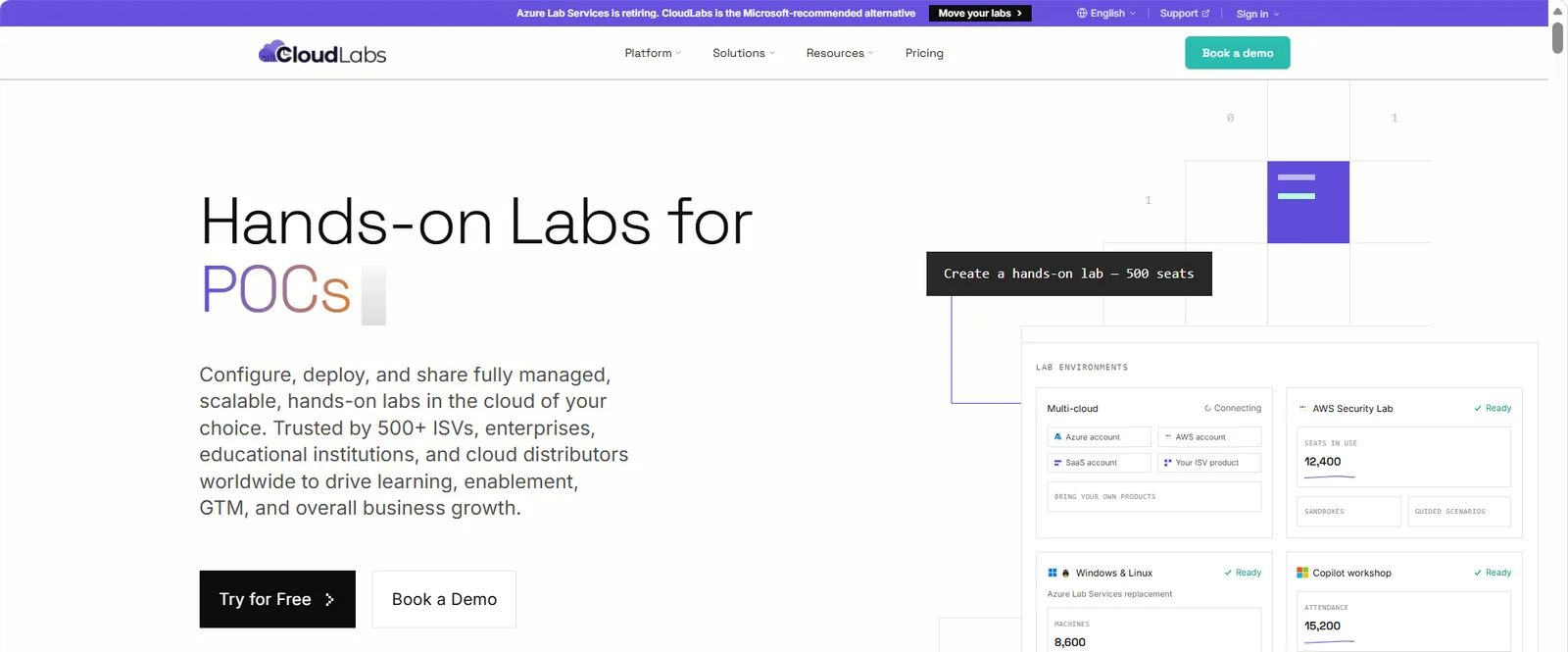
Overview: CloudLabs is a managed hands-on lab platform trusted by 150+ leading institutions to provision real, pre-built environments on AWS, Azure, GCP and custom infrastructure. Students open their labs in a browser with nothing to install, while our team of experts handles provisioning, support and teardown. CloudLabs for education supports credit courses, certification prep and assessments for colleges, polytechnics and universities.
Best for:
- Cloud computing and infrastructure courses
- Azure and AWS certification prep
- Databricks and data engineering courses
- Windows software labs
- Cybersecurity labs
- Hackathons and student competitions
- Programs moving off Azure Lab Services
Key features:
- AI-ready labs built to order: Create custom lab environments for any technology, curriculum, product or learning goal. The CloudLabs Cosmos AI lab builder helps teams create and manage labs faster.
- Browser access, launched from your LMS: Learners open labs in a browser with nothing to install, straight from the LMS as LTI 1.3 Canvas labs or through Moodle and Brightspace, with LTI 1.1 also supported. Built-in lab guides and in-lab assessments walk learners through each task and check their work.
- Live instructor support: Instructors can watch learner sessions in real time and step in through Shadow VM when someone gets stuck.
- Fully managed, at lower cost: A dedicated CloudLabs team runs the full lab lifecycle, from building and provisioning environments to delivery and management. Built-in cost controls and smart scheduling help keep spend down.
- Microsoft-recommended Azure Lab Services alternative: AI-based image analysis and AI-driven cost optimization help cut operating storage costs by up to 65%.*
- Support and security at every scale: Get 24x7 expert help by chat, email and dedicated Microsoft Teams channels, plus a dedicated team for hackathons, immersion workshops and other events. CloudLabs aligns with FERPA, COPPA, GDPR, SOC 2 Type II, ISO 27001:2022 and the Microsoft SSPA program.
*Applicable to CloudLabs VM Labs.
Limitations:
- Built around full lab environments rather than standalone notebooks, so courses centered on graded Jupyter notebooks may want to pair it with CoCalc or 2i2c.
Pricing: CloudLabs offers transparent pay-as-you-go pricing. Write to CloudLabs sales for a customized quote or check our pricing & packages.
2. Codio
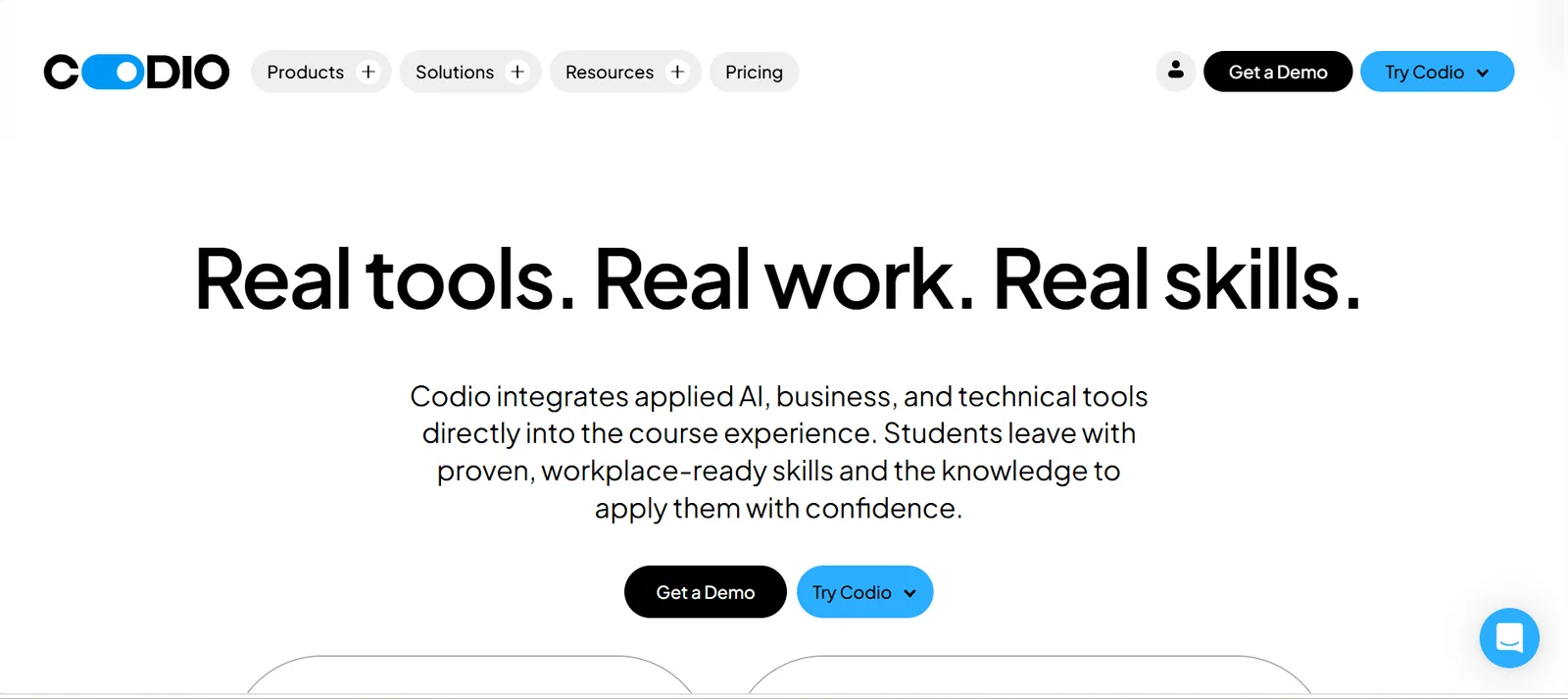
Overview: Codio is a browser-based coding platform built for teaching computer science. It comes with ready-to-teach CS and AI courseware that instructors can use as is or adapt, and students write and run code without installing compilers or editors. Institutions such as UC Berkeley, Coventry University and eCornell use it for programming courses.
Best for:
- CS1 and introductory programming
- Data structures and algorithms
- AI literacy courses
- Online and hybrid programming courses
Key features:
- Autograding: Give students automated feedback on their code, and bring over autograders you already use.
- LMS integration: Sync rosters and pass grades back to Canvas, Blackboard and Moodle.
- AI Coach: Help students get unstuck without waiting for an instructor.
- Higher-ed ready: Use FERPA compliance features on higher-ed plans, with free instructor accounts.
Limitations:
- Labs run in a standard Linux container, without real AWS, Azure or GCP accounts.
- Databricks and Jupyter notebooks aren’t covered in its public materials, so data courses may need another tool.
Pricing: Higher-ed pricing is listed at $48 per learner per semester or $90 per learner per year, with premium VMs and GPUs at extra cost. Contact Codio for volume pricing.
3. Skillable
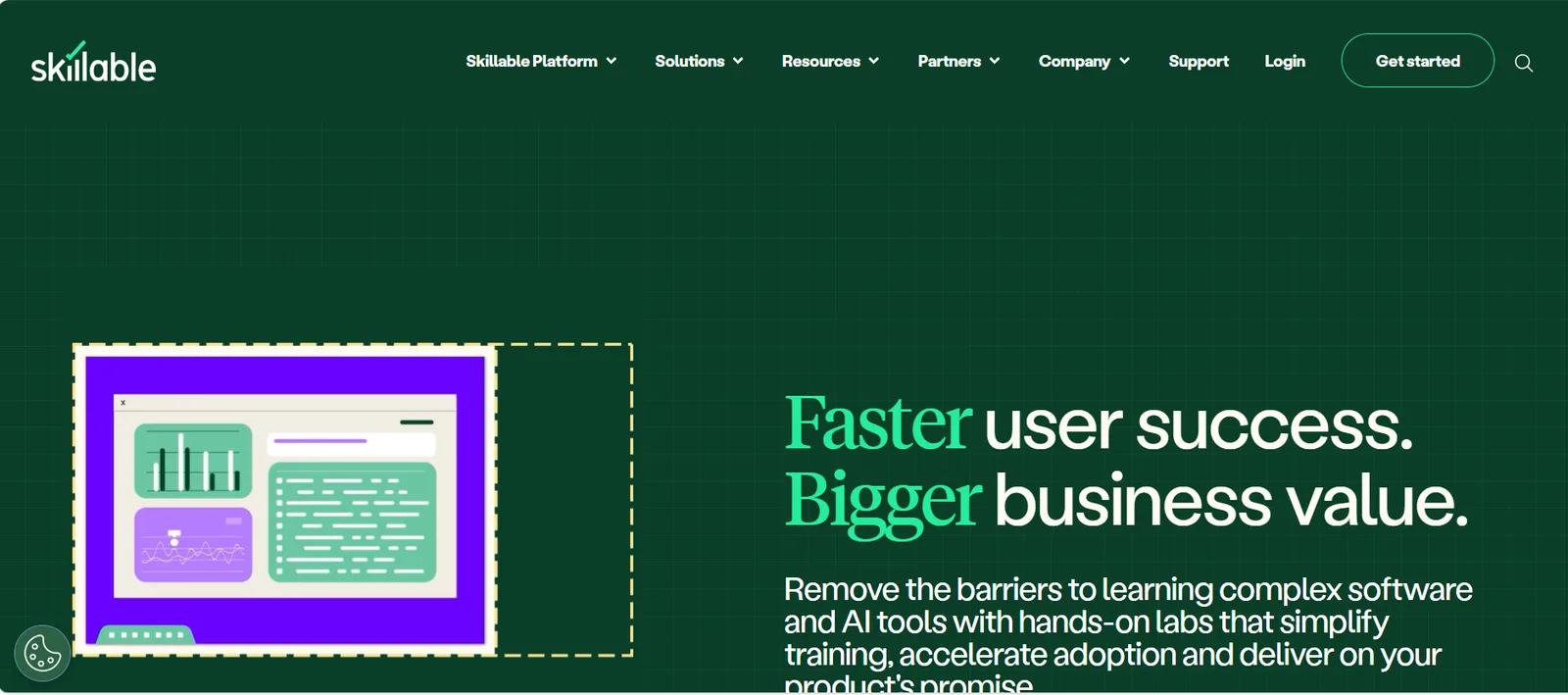
Overview: Skillable is a virtual lab platform focused on skills training and certification, with an academic program for colleges. It runs labs on Hyper-V, ESXi, Docker, and Azure and AWS VMs, and reports more than 50 million labs delivered since 2004. Microsoft also lists Skillable as a recommended partner for Azure Lab Services customers.
Best for:
- Windows and Microsoft software courses
- Azure and AWS infrastructure courses
- Cybersecurity labs
- Certification prep
Key features:
- VM labs: Build multi-VM labs with private networking and native Azure and AWS integration.
- Automated scoring: Score learners with anything from questions to scripts, including performance-based exams.
- LMS launch: Launch labs from Canvas, Blackboard and D2L, with scores sent back.
- Security: Rely on ISO 27001 and SOC 2 Type II certification.
Limitations:
- Its customer base leans toward corporate training and certification programs.
- Jupyter and Databricks aren’t covered in its public materials, so data science courses may want to evaluate other options.
See how CloudLabs compares with Skillable.
Pricing: Pricing isn’t published and depends on lab usage and scope.
4. Apporto
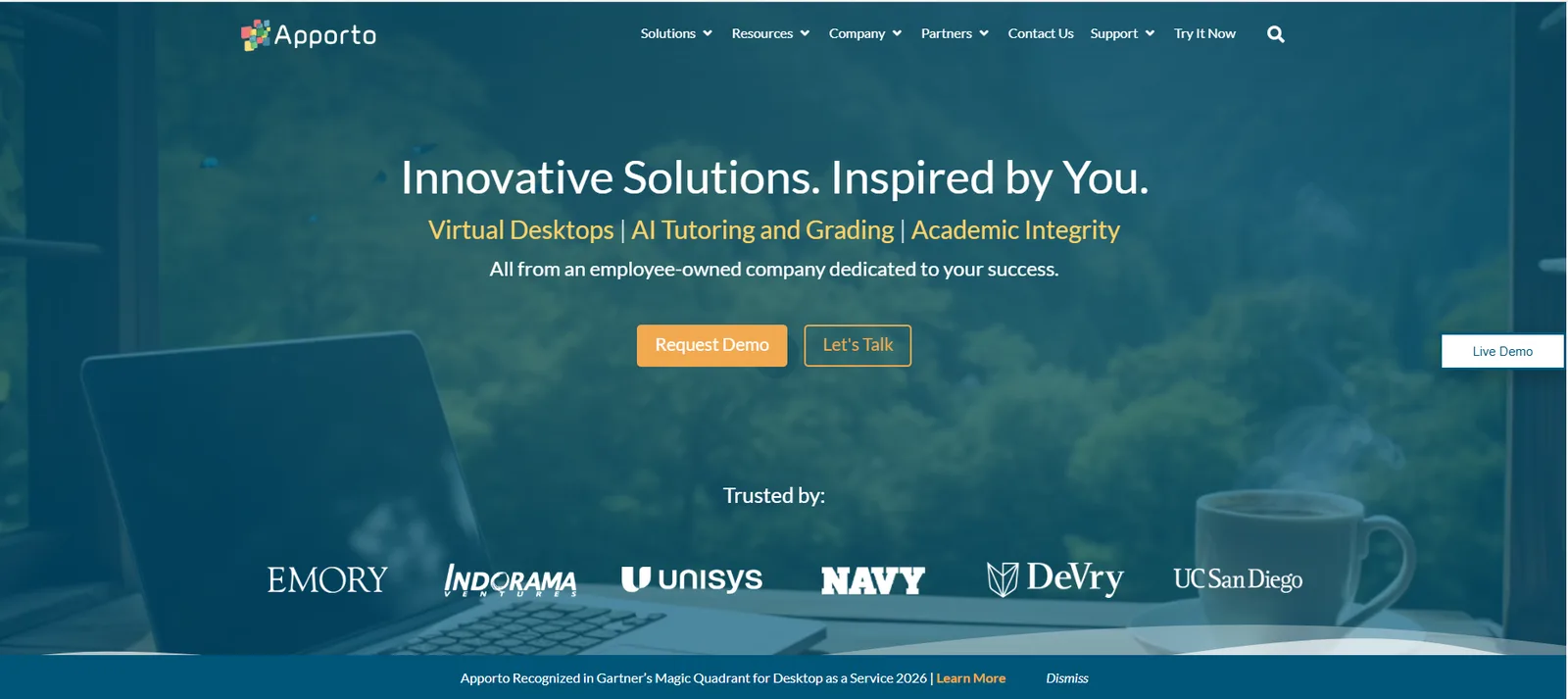
Overview: Apporto delivers Windows, Linux and Mac virtual desktops in the browser and is built for education. Colleges often use it to replace physical computer labs, so students can run licensed desktop software from their own laptops. Its customers include Stanford, Arizona State and Virginia Tech, and Microsoft recommends it to Azure Lab Services customers.
Best for:
- Engineering and design software labs
- Statistics and business software courses
- Replacing physical computer labs
- Secure online exams
Key features:
- Virtual desktops: Deliver Windows, Linux and Mac desktops in the browser on the fully managed plan.
- LMS access: Open desktops with a single click from Blackboard, Canvas, D2L and Moodle.
- AI tools: Support grading with AI PowerGrader and help students with the CoTutor AI tutor.
- Secure exams: Run online exams in ExamSpace.
Limitations:
- A desktop delivery platform, without real AWS or GCP accounts.
- Courses that need Databricks or Jupyter notebooks may need another tool.
For a wider list, see our roundup of more Apporto alternatives.
Pricing: Apporto lists $12 per named user per month on its self-managed plan, plus your own Azure costs, and $27 to $101 per concurrent user per month fully managed.
5. Gradescope
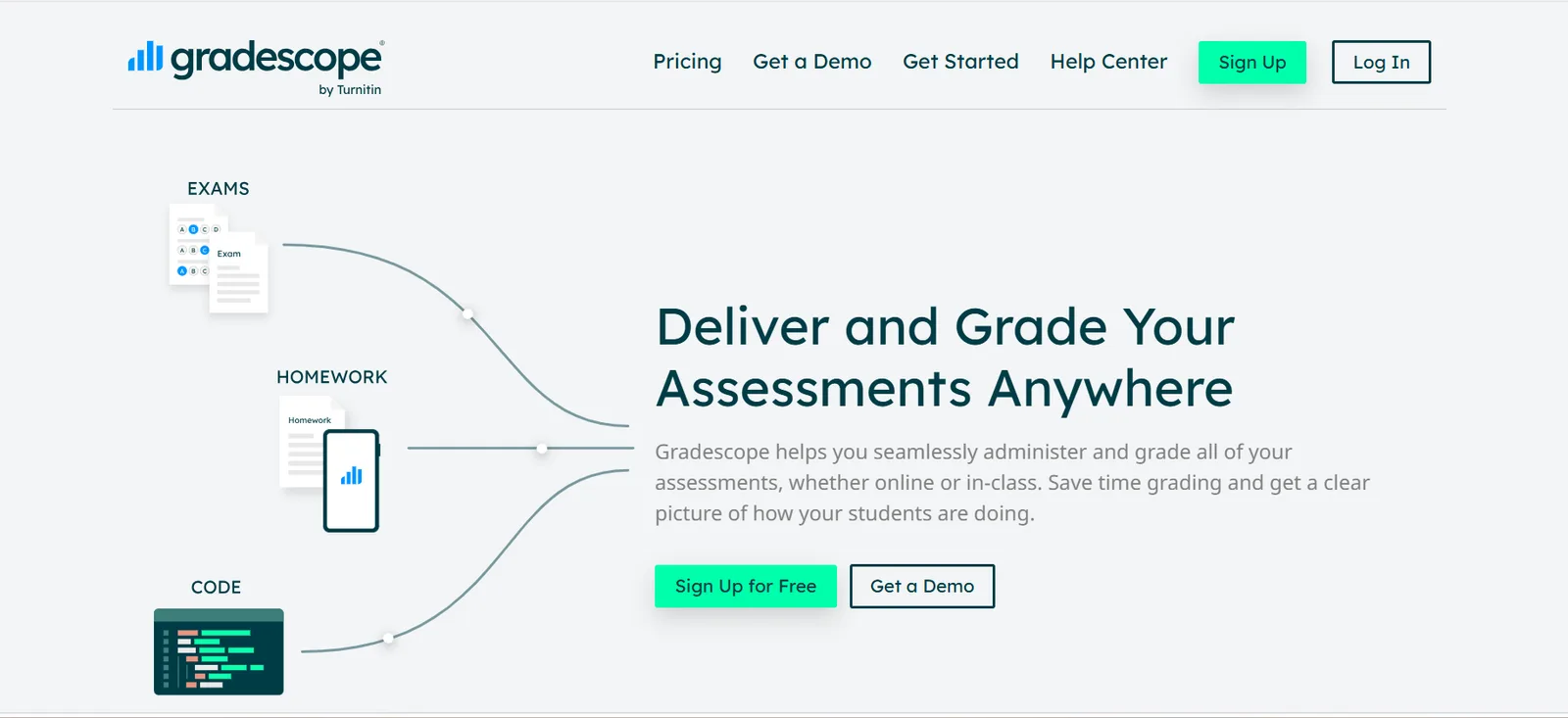
Overview: Gradescope, owned by Turnitin, is a grading platform for paper, digital and code submissions. Instructors can grade with an autograder, by hand, or a mix of both, and for programming courses an autograder written once runs on every submission. Gradescope reports use at more than 2,600 universities and by 3.2 million students.
Best for:
- Programming assignments
- STEM exams and problem sets
- Large courses with many graders
Key features:
- Code autograding: Grade code in any language using an autograder you package.
- Mixed grading: Grade paper exams, written work and code in one tool.
- Repository submissions: Let students submit straight from GitHub or Bitbucket.
- AI-assisted grouping: Group similar answers so graders can mark them together.
Limitations:
- Grades work that students complete elsewhere.
- Doesn’t host notebooks, cloud accounts or lab environments, so students still need a separate place for hands-on work.
Pricing: The Basic plan is free. Programming assignments and LMS integration require an Institutional license, priced on request.
6. CodeGrade
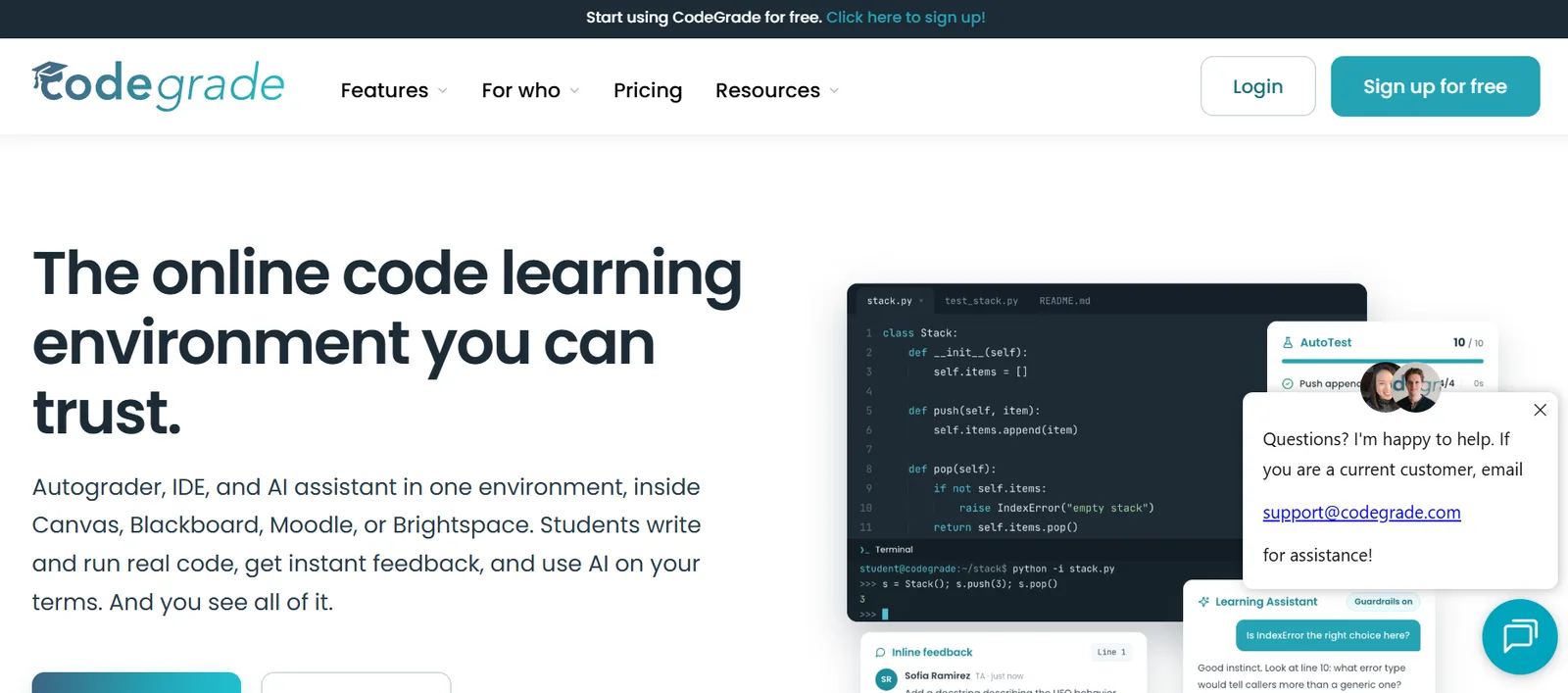
Overview: CodeGrade is an autograding and feedback platform built for programming courses. Instructors set up automatic tests, and students get feedback as soon as they submit, including on Jupyter notebooks. Universities and colleges such as UNLV, Ivy Tech, the University of Liverpool, the University of Michigan and UMass Amherst use it.
Best for:
- Introductory programming
- Jupyter-based data science
- Online coding exams
Key features:
- Language coverage: Autograde code in more than 175 programming languages.
- Jupyter autograding: Grade notebooks on the Advanced plan.
- LMS integration: Connect with Canvas, Blackboard, Moodle and Brightspace over LTI.
- Coding exams: Run exams with IP restrictions, lockdown and a plagiarism checker.
Limitations:
- LMS integration starts on the $39 Advanced plan, unless you choose an institutional license.
- Focused on grading code, so cloud and cyber labs need another platform.
Pricing: Free for up to 50 students, then $24 or $39 per student per course. An AI add-on costs $15 more, and institutional licenses are quoted.
7. PrairieLearn
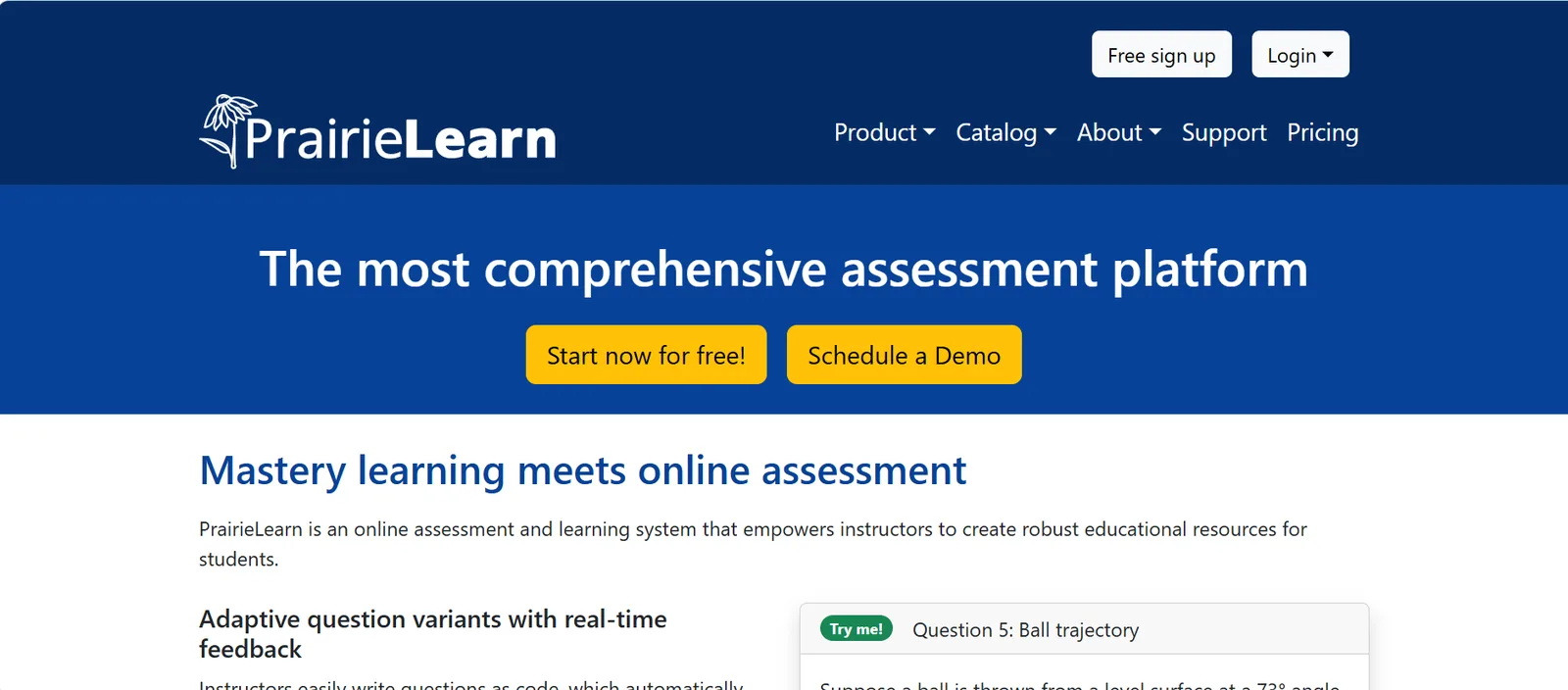
Overview: PrairieLearn is an open-source assessment system created at the University of Illinois. It gives each student a different version of every question and grades answers instantly, so students can keep practicing until they master a topic. PrairieLearn reports use at more than 50 institutions with 185,000 students.
Best for:
- Large-enrollment CS courses
- Engineering and STEM courses
- Mastery-based learning
- Computer-based testing centers
Key features:
- Randomized questions: Generate a unique variant of each question for every student.
- Browser workspaces: Open JupyterLab, VS Code, RStudio or a terminal in the browser.
- PrairieTest: Run proctored exams in computer-based testing centers.
- LMS and SSO: Connect your LMS and single sign-on on paid plans.
Limitations:
- Workspaces run without a graphical desktop.
- Built for assessment rather than cloud or cyber labs.
- The PrairieLearn team doesn’t support self-hosted installations, so self-hosting institutions run it on their own.
Pricing: Free for up to 20 students per term, then $8 or $16 per student per course. Enterprise pricing is custom.
8. CoCalc
Overview: CoCalc is a collaborative computing environment in the browser, built around Jupyter notebooks. Instructors can run a whole course in it, from handing out notebooks to collecting and grading work, and several students can edit the same notebook at once. Universities can also buy organization licenses that cover every course on campus.
Best for:
- Data science courses
- Math and statistics courses
- Scientific computing
Key features:
- Collaborative notebooks: Edit Jupyter notebooks together in real time.
- Course management: Distribute, collect and grade assignments in one place.
- Jupyter autograding: Grade notebooks through nbgrader.
- Shared environments: Give every student the same software setup.
Limitations:
- LMS launch isn’t covered in its public materials.
- No real cloud accounts for cloud computing courses.
- Course pricing isn’t published.
Pricing: Individual plans range from $6 to $150 per month, billed annually. Course and organization licenses are available by quote.
9. 2i2c
Overview: 2i2c runs managed JupyterHub services for research and education on AWS, GCP or Azure. Each institution gets its own hub, and 2i2c handles setup, upgrades and day-to-day operations while passing cloud costs through at no markup. Its partners include UC Berkeley, the University of Toronto, Temple University and Michigan Technological University.
Best for:
- AI notebook labs
- Campus-wide data science programs
- Research computing alongside teaching
Key features:
- Dedicated hub: Run your own JupyterHub on the cloud of your choice.
- Transparent costs: Pass cloud costs through at no markup, with cost dashboards.
- Single sign-on: Let students sign in with their institutional accounts.
- Right to Replicate: Move the setup to another provider if you need to.
Limitations:
- The membership fee can be high for a single course.
- nbgrader, LTI and GPU options aren’t covered in its public materials, so confirm them during evaluation.
Pricing: General membership starts at $15,000 per year, plus usage from $10 per monthly active user. Hosting on Azure adds $2,400 per year.
10. AWS Academy
Overview: AWS Academy is Amazon’s program for higher education. It gives accredited institutions a free, ready-to-teach cloud computing curriculum and Learner Labs, which are real AWS sandboxes for students. A program administrator applies on behalf of the institution, and educators complete an orientation before they start teaching.
Best for:
- Introductory cloud computing
- Cloud architecture courses
- AWS certification prep
Key features:
- Learner Labs: Give students AWS sandboxes with a restricted set of services.
- Long-running labs: Let educators set the end date for each lab.
- Ready-made curriculum: Teach courses already mapped to AWS certifications.
- Exam discounts: Offer students 50% vouchers for AWS certification exams.
Limitations:
- Covers AWS only, with a restricted service list.
- No Azure or GCP, code autograding or cyber range, so other courses may need additional tools.
Pricing: Free to eligible institutions that offer accredited degrees, diplomas, certificates or continuing education.
11. NDG NETLAB+
Overview: NETLAB+ from Network Development Group (NDG) delivers hands-on IT, networking and cybersecurity labs for academic institutions. Schools can install it on their own servers, use NDG’s hosted service, or share labs with partner schools through NDG’s Academic Cloud. NDG reports more than 1,000 organizations using its labs.
Best for:
- Cisco and CompTIA programs
- Linux and Red Hat courses
- Cybersecurity degrees
Key features:
- Virtual lab pods: Run pods on VMware vSphere or Proxmox, with support for real networking equipment.
- Curriculum content: Use labs built for Cisco Networking Academy, Palo Alto Networks Academy, Red Hat Academy and CompTIA.
- Security labs: Teach ethical hacking and forensics in dedicated labs.
- Hosted option: Choose NDG Online if you prefer not to run servers.
Limitations:
- The on-premises version requires your own servers, a VMware or Proxmox stack and admin time.
- Focused on IT and networking, so data science courses may need another platform.
Pricing: On-premises licenses range from $9,995 for 16 pods to $39,980 for 64 pods, as a one-time fee plus yearly maintenance.
12. TryHackMe for Education
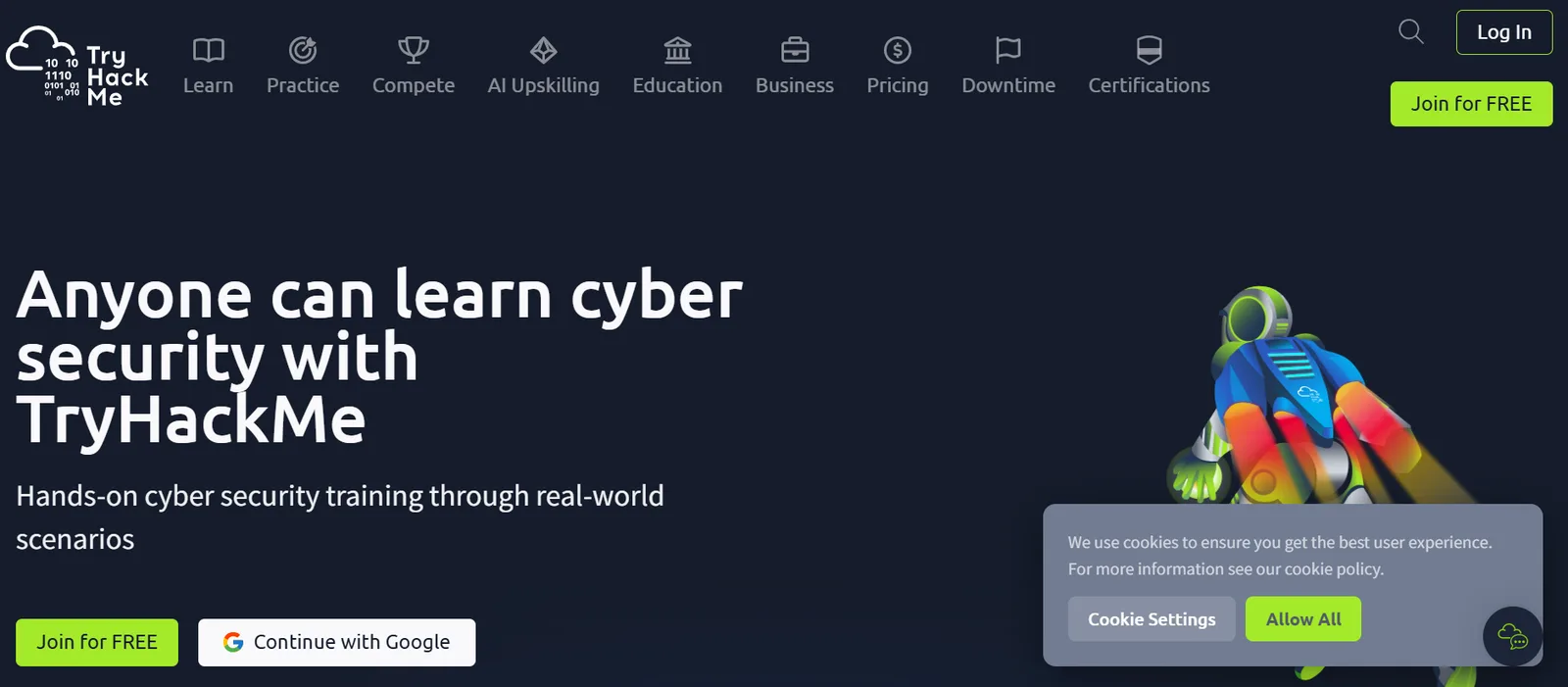
Overview: TryHackMe offers gamified, browser-based cybersecurity training. Students work through guided rooms and learning paths, with lab machines running in the browser. TryHackMe for Education adds classroom tools, which makes it a ready-made cyber range for education that instructors can assign and track.
Best for:
- Introductory cybersecurity courses
- Certification prep
- Student CTF events
Key features:
- Assignments: Assign rooms and learning paths to students or groups, with deadlines.
- Reporting: Track class progress from a dashboard.
- Custom rooms: Build rooms from your own uploaded VMs.
- CTF builder: Create capture-the-flag events for your class.
Limitations:
- Focused on cybersecurity, with no programming autograding, Jupyter or cloud accounts.
- LMS integration isn’t covered in its public materials.
Pricing: Education licenses are $30 per student per month. Staff licenses are billed as business licenses with a 12-month minimum.
13. Azure Virtual Desktop
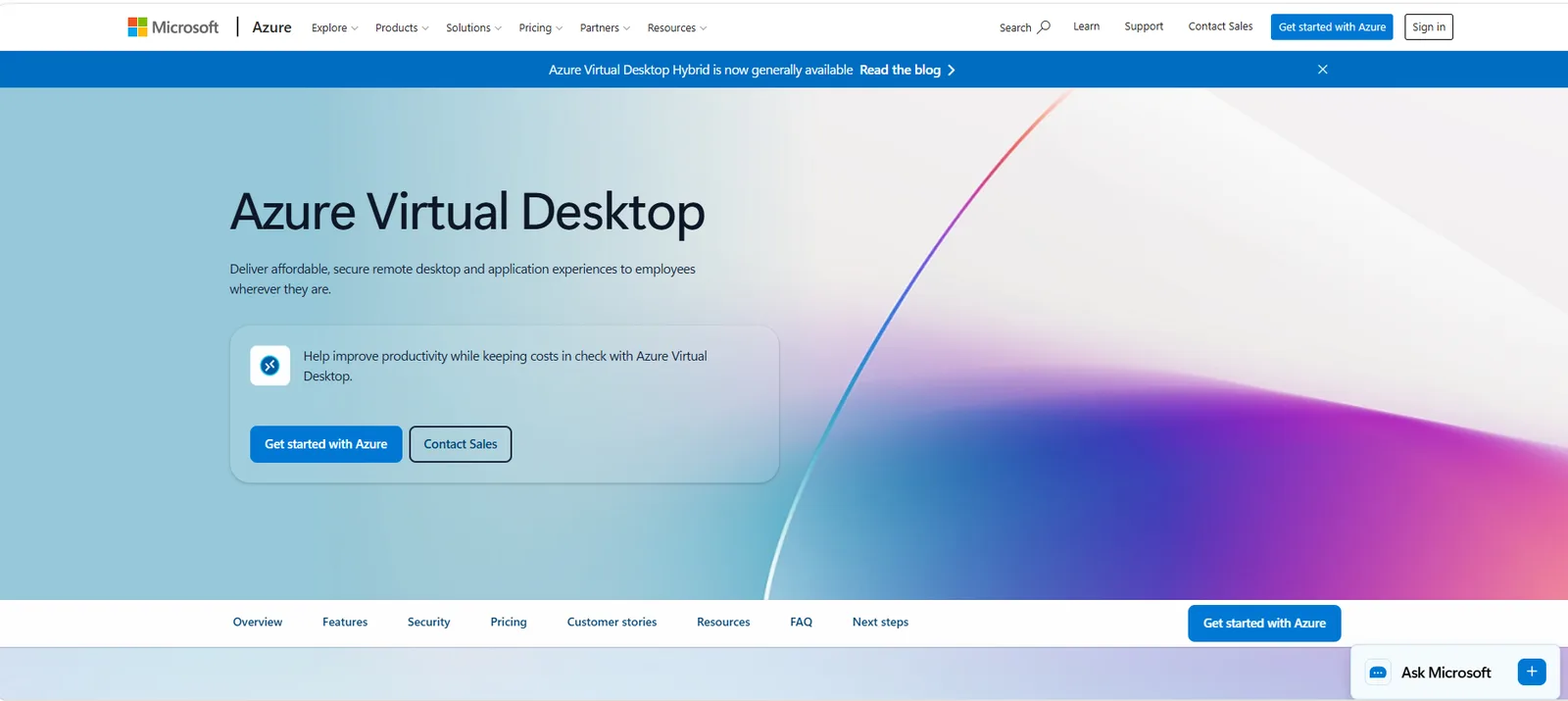
Overview: Azure Virtual Desktop is Microsoft’s service for running Windows desktops and apps in your own Azure subscription. Your IT team builds the images, sizes the VMs and manages scaling, so you get full control over the environment. It suits institutions that already have cloud engineers and want to design their own lab environment from the ground up.
Best for:
- Institutions with an in-house cloud team
- Windows software labs
- Campus-wide virtual desktops
Key features:
- Full control: Run desktops and apps in your own Azure subscription, with your own images and settings.
- Multi-session VMs: Let several students share one VM to lower compute costs.
- Autoscale: Add or remove capacity as demand changes during the term.
- Education licensing: Get access through Microsoft 365 A3 and A5, Windows Education A3 and A5, or Student Use Benefits.
Limitations:
- An infrastructure service rather than a lab platform, so your IT team builds and runs the lab portal, LMS launch and grading.
- Compute is billed separately from licensing, so costs depend on how well you manage usage.
Teams leaving Azure Lab Services can compare managed options in our guide to Azure Lab Services alternatives.
Pricing: Access comes with eligible Microsoft education licenses, and you pay separately for the Azure compute, storage and networking you use.
14. Windows 365
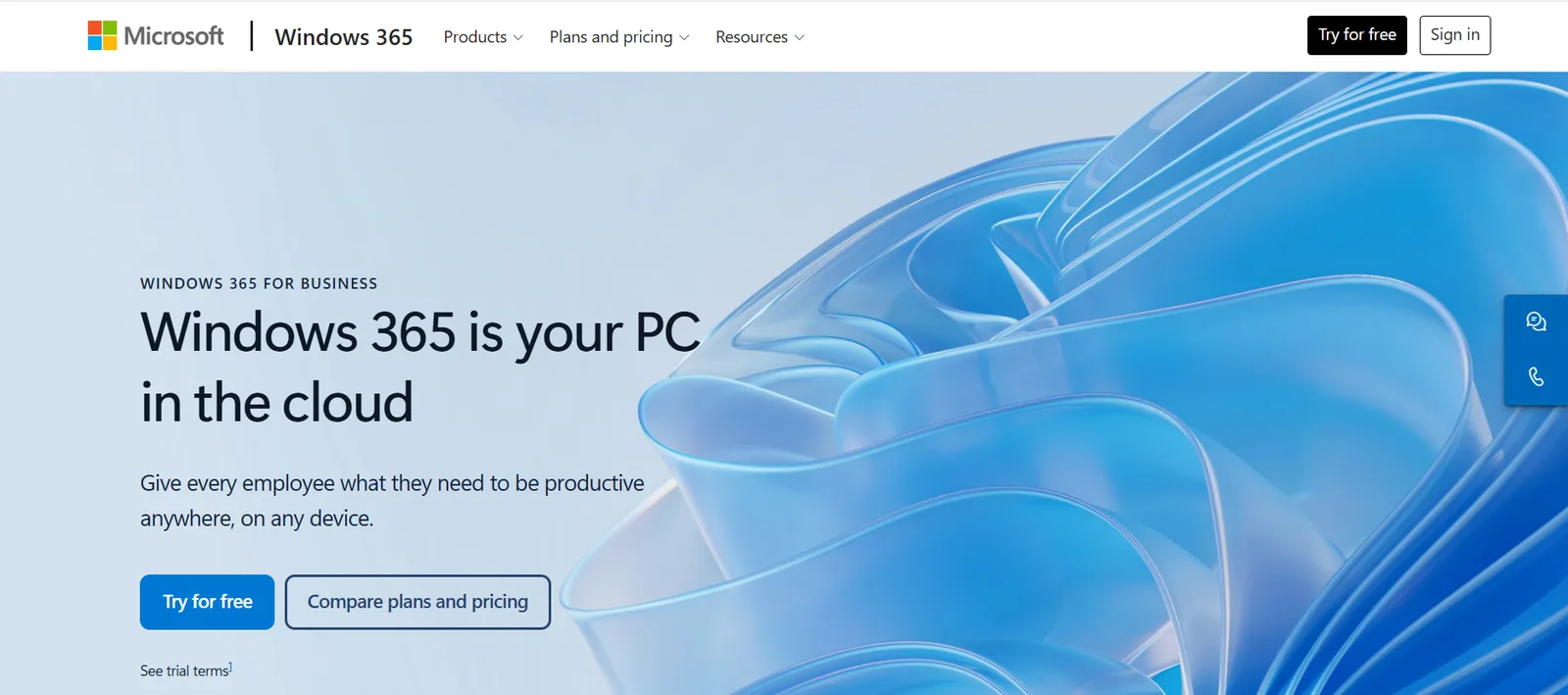
Overview: Windows 365 is Microsoft’s Cloud PC service, which gives each user a ready-made Windows desktop that streams from the cloud. Microsoft runs the infrastructure, so there are no VMs or images for your team to manage. The Azure Lab Services retirement guide lists it alongside Azure Virtual Desktop as a first-party option.
Best for:
- Faculty and staff who need a persistent Windows desktop
- Small courses with a fixed set of desktop software
- Institutions without a cloud engineering team
Key features:
- Managed Cloud PCs: Give each user a Windows desktop without running any infrastructure.
- Fixed sizes: Choose Basic (2 vCPU, 4 GB RAM), Standard (2 vCPU, 8 GB) or Premium (4 vCPU, 16 GB), each with 128 GB of storage.
- Persistent desktops: Users keep their files and settings between sessions.
- Microsoft 365 integration: Works with Windows Enterprise or Education licensing and existing Microsoft management tools.
Limitations:
- Built for individual users rather than class-wide labs, so there’s no lab portal, LMS launch or autograding.
- Fixed sizes may not suit courses that need GPUs or multi-VM setups.
- Requires a Windows Enterprise or Education license for each user.
Pricing: Windows 365 is sold as a per-user subscription for each Cloud PC, and the price depends on the size you choose. Contact Microsoft or your licensing partner for education pricing.
Which alternative to Vocareum fits which course?
The right platform depends on the course. Use this table as a starting point, based on what each vendor states publicly.
| Course type | Best fit | Runner-up | Deciding factor |
|---|---|---|---|
| Cloud infrastructure (AWS, Azure, GCP) | CloudLabs | AWS Academy | Real multi-cloud accounts with per-student budget caps |
| Cybersecurity | TryHackMe or NETLAB+ | CloudLabs | Ready-made cyber range for education with classroom tracking or certification-aligned labs; CloudLabs for custom, isolated multi-VM labs |
| AI and LLM notebooks | 2i2c | CoCalc | Managed AI notebook labs; check GPU options with each vendor |
| Data science in Jupyter | CoCalc | CodeGrade | Jupyter autograding with nbgrader or CodeGrade’s notebook grader |
| Windows and desktop software | Apporto | CloudLabs | Browser desktops launched from the LMS |
| Databricks and data engineering | CloudLabs | None on this list | Databricks lab environment for students, with no student account needed |
| CS1 programming | Codio | Gradescope | Ready-made courseware with built-in autograding |
When Vocareum is still the right choice
Vocareum may still be the right choice if notebook autograding drives your courses. Its AI Notebook grades Jupyter work cell by cell against a rubric, adds AI feedback and checks for plagiarism, and gives students NVIDIA V100 or A100 GPUs on hourly budgets. None of the alternatives above lists that full combination publicly.
It can also make sense when one department runs AI notebooks, cloud labs and cyber ranges side by side and prefers a single contract. Its cyber ranges include Kali attacker machines, defensive SOC tools and red-versus-blue exercises. If your courses sit mostly in one category, such as cloud infrastructure or CS1 programming, a platform built for that category will usually be a better fit.
Why higher-ed teams choose CloudLabs over Vocareum
As a virtual lab platform for higher education, CloudLabs stands out as a hands-on platform that lets institutions run cloud, AI, ML, cybersecurity and any custom course of choice from one place, so a small IT team manages one set of labs instead of several tools. From K-12 schools and colleges to universities that need cloud-based labs at scale, CloudLabs’ ease of use and dedicated support make it a practical Vocareum alternative.
Cloud and data courses work best in real environments. CloudLabs gives students real AWS, Azure and GCP environments, and its Databricks labs run without students needing their own Databricks or cloud account.
Costs stay predictable. Per-student budget caps, idle auto-shutdown and scheduled lab hours help keep cloud spend within the course budget, even when the IT team is small.
Labs stay inside the LMS. CloudLabs launches from Canvas, Moodle and Brightspace over LTI 1.1 and 1.3, with auto-graded assessments, and faculty can create new labs with the AI Lab Builder.
Microsoft names CloudLabs as a recommended partner in its Azure Lab Services retirement guide. For a feature-by-feature comparison, see CloudLabs vs Vocareum.
See your own course running on CloudLabs. Book a demo.
FAQs
How much does Vocareum cost for universities?
Vocareum's Individual/Academic plan is $10 per monthly active user, according to its pricing page. AI, virtual machines and cloud labs add resource fees that aren't published, and the Enterprise plan is priced through sales. Ask for a per-course quote that includes cloud spend before you compare it with alternatives.
Is Vocareum an IDE?
No. Vocareum is a cloud lab platform that hosts browser-based coding environments such as Jupyter, and adds autograding, cloud labs and LMS integration on top. That matters when you compare Vocareum competitors. Codio is mainly a coding environment, Gradescope and CodeGrade are autograders, CoCalc and 2i2c are notebook platforms, and CloudLabs provisions full cloud and Databricks labs.
Can students launch labs from Canvas with grades sent back?
Yes, with most platforms on this list. CloudLabs supports LTI 1.1 and 1.3 for Canvas, Moodle and Brightspace. Skillable and Apporto support Canvas, Blackboard and D2L. Codio syncs rosters and sends grades back. Confirm grade passback for your exact LMS version during a pilot.
What is Vocareum Labs?
"Vocareum Labs" refers to hands-on lab environments students open inside Vocareum, mainly its Cloud Labs and Cyber Ranges. Instructors set up a lab once, and every student in the course gets their own copy with the tools, accounts and limits already in place.
 Education CloudLabs at the EDUCAUSE Annual Conference 2026 Team CloudLabs is attending the EDUCAUSE Annual Conference 2026: Explore CloudLabs VM Labs, AI Lab Builder, and hands-on skill assessments.
  Education Fall 2026 Checklist for Universities: Are Your Virtual Labs Ready for the Next Semester? As universities prepare for the Fall semester 2026, lab readiness becomes a priority.
  Education Virtual Computer Labs at Scale: Challenges Universities Face Today Students, at a global scale, are increasingly embracing digital learning as an integral part of their educational journey.