What Happens After Azure Lab Services Retires in 2027?
Azure Lab Services has been the go-to platform for educators, IT trainers, and enterprise teams for years, delivering hands-on virtual labs with simplicity...

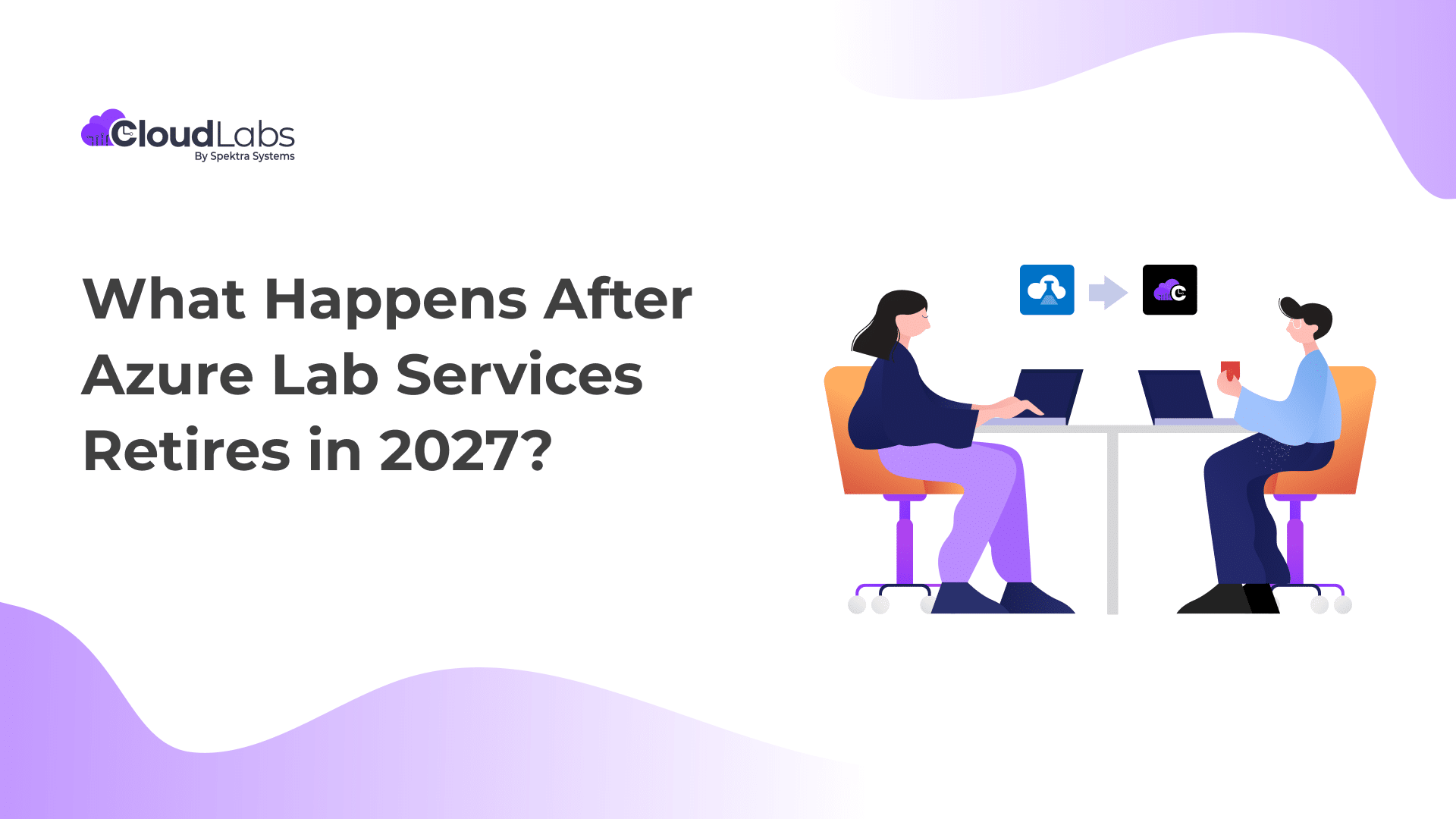
Azure Lab Services has been the go-to platform for educators, IT trainers, and enterprise teams for years, delivering hands-on virtual labs with simplicity and seamless integration with Azure’s services in the backend. However, with its upcoming retirement on June 28, 2027, Microsoft recommends an immediate migration to an alternative lab solution to avoid service disruption.
If you are an academic institution, an enterprise training provider, have a partner enablement program, or a certification program, this change directly affects you. In this blog, we have outlined a comprehensive pathway to define your Azure Lab Services post-retirement roadmap, including what to expect and how to plan ahead.
Azure Lab Services Retirement Timeline
Microsoft’s official roadmap confirms the following:
- July 15, 2024: New customers can no longer sign up for Azure Lab Services.
- June 28, 2027: Azure Lab Services will be fully retired.
- After this date, existing labs, lab plans, and resources will no longer be accessible.
What Happens After June 28, 2027?
If you continue relying on Azure Lab Services without a migration plan:
- Your existing labs will become inaccessible.
- All automation, student access workflows, and billing reports will stop functioning.
- Stored images and resources tied to the ALS platform will no longer be managed through its portal.
- You’ll need to migrate your environments or rebuild them on a new platform to maintain continuity.
Your Chance to Uplift and Upgrade: Migrate to CloudLabs VM Labs
The retirement of Azure Lab Services might seem disruptive, but it also presents an opportunity for evolution. Microsoft recommends an immediate transition to alternative solutions offering a similar user experience to Azure Lab Services.
CloudLabs VM Labs, as a Microsoft-recommended Azure Lab Services alternative, offers complete feature parity with added benefits. CloudLabs VM Labs seamlessly integrates with Microsoft Azure in the backend, enabling learners to deploy labs within minutes for Windows and Linux Operating Systems customized to their exact requirements.
Start Fresh
- Create a Lab Account: Create a CloudLabs account to get started.
- Create VM Images: Create and test VM Images over the CloudLabs portal.
- Set up Labs: Use new resources and settings available to configure labs.
- Go Live: Start deploying the newly created labs, ready for immediate use and distribution.
Migrate Existing Labs and Lab Plan
- Create a Lab Account: Create an account with CloudLabs to start your migration journey.
- Migrate VM Images: Use the CloudLabs Migration script to start migrating or replicating VM Images.
- Migrate Labs: Migrate labs from the existing Azure Lab Account and Lab Plan using the CloudLabs migration tool.
- Go Live: Start using newly migrated labs. They are ready for deployment and distribution.
Why Start Now?
Waiting until 2027 to migrate could result in last-minute disruptions and loss of critical training infrastructure.
Early migration ensures:
- Zero downtime for academic calendars or customer programs.
- Better pricing leverage and resource optimization.
- Ample testing time to ensure a flawless user experience on the new platform.
Transition from Azure Lab Services: Get $2K Azure Credit!
To support your transition from Azure Lab Services, CloudLabs is offering $2,000 in Azure Credit to qualified customers. The credit applies to any VM Labs usage, allowing you to get started immediately, with no upfront costs.
What’s included:
- Credit coverage for CloudLabs VM Labs usage
- No feature gating, trial limitations, or forced minimums
- Guided migration support from experts
- Ideal for piloting or full program rollout
Sign up for a free Proof of Concept (POC)
The CloudLabs Advantage
As a Microsoft-recommended alternative to Azure Lab Services, CloudLabs VM Labs offers all the features that existing users loved about Azure Lab Services, with more benefits added:
Build Labs on Your Own Terms
- Instant Lab Creation: Labs deploy immediately without any setup delays.
- No Publishing Required: Labs become available as soon as they’re created—no publishing workflow needed.
- Expiry Controls: Define clear lab expiry dates for better lifecycle governance.
- Straightforward Lifecycle Management: Track labs by status (Active, Expired, Deleted) with a clean, tenant-level structure, no lab plans or accounts to maintain.
- Multi-VM Scenarios: Run up to five VMs within a single lab, each with its own configuration, ideal for multi-tier or interconnected setups like domain controllers, app servers, and client machines.
- Secure Password Handling: Automatically generate unique, random passwords for each user and share them directly as needed.
Customize Labs on the Go
- Editable Labs Post-Creation: Modify lab attributes such as name, expiry, or user quota even after the lab has been created.
- Fast User Registration & Access Control: Users join through simple registration codes, while admins can manage capacity and access directly.
- Adaptable Templates: Update VM images or SKUs even after lab creation.
- Flexible Lab Types: Choose between persistent and non-persistent labs, enabling cost savings through fresh VM deployments each time a lab is relaunched.
- Effortless Image Capture: Capture both generalized and specialized images directly from template VMs, streamlining customization and provisioning.
- Custom VM SKUs: Configure precise combinations of CPU, RAM, GPU, and disk type/size to match performance needs and cost targets.
Optimize User Experience with Smart In-Lab Controls
- Flexible Identity Options: Allow users to authenticate with Azure AD, Microsoft, Google, LinkedIn, and more.
- On-Demand Lab Deployment: Replace traditional “VM Pools” with cost-efficient, user-triggered “Lab Instances,” all managed from a unified instances page.
- Advanced Scheduling & User Sync: Configure multiple schedule types for access, provisioning, and lifecycle tasks. Sync users from Azure AD with granular control using administrative units.
- Instructor Shadowing: Monitor student activity with real-time VM shadowing for enhanced teaching and support.
- Comprehensive Logging: Access detailed VM-level and global activity logs to maintain full visibility and administrative control.
Save on Lab Cost
- Detailed Cost Insights: Power BI dashboards provide per-user and per-lab breakdowns, tracking both deployed and non-deployed resources.
- Global Idle Timeout: Apply universal idle timeout policies to reduce unnecessary consumption and improve overall efficiency.
- VM Uptime Restrictions: Limit total VM usage hours, even during events, ensuring complete transparency and a true pay-for-what-you-use model.
Your 90-Day Migration Action Plan to CloudLabs VM Labs
To help you stay ahead of the 2027 final retirement deadline, we have developed a step-by-step guide. It’s a comprehensive walkthrough to help you get started.
Phase 1: Assess & Audit (Days 1 – 30)
Goal: Understand your current ALS usage and dependencies.
Key Actions:
- Create a complete inventory of all existing labs, lab plans, and linked resources.
- Identify critical training programs (semester courses, certifications, or workshops).
- Document all ALS-specific features you rely on, such as student invites, LMS links, or automation.
- Estimate monthly usage and cost metrics to benchmark future savings.
Outcome: A full picture of what needs to be migrated or rebuilt.
Phase 2: Evaluate & Strategize (Days 31 – 60)
Goal: Choose your future lab platform and prepare your migration path.
Key Actions:
- Compare Microsoft’s own offerings (AVD, DevTest Labs) with CloudLabs VM Labs.
- Test a CloudLabs pilot environment by signing up for a free Proof of Concept (POC).
- You can also migrate a small class or training session.
- Evaluate CloudLabs’ cost-control features, browser-based UX, and integration with your LMS.
- Document potential improvements and map equivalent configurations for each ALS lab.
- Finalize your migration strategy, decide which labs to migrate, rebuild, or retire.
Outcome: A tested platform and a defined roadmap for migration.
Phase 3: Migrate & Optimize (Days 61 – 90)
Goal: Execute your transition to CloudLabs VM Labs and train your stakeholders.
Key Actions:
- Connect with CloudLabs experts to get step-by-step guidance on how to start. You can also check our transition guide.
- Set up your lab templates, instructor roles, and student access portals.
- Conduct a test run with real users (students or trainees) to validate performance.
- Train instructors and admins on the new platform dashboard.
- Communicate the migration timeline to all stakeholders.
Outcome: Smooth transition to CloudLabs VM Labs with validated performance and cost efficiency.
Bonus: Post-Migration Optimization (Beyond Day 90)
Once migration is complete:
- Analyze user feedback to fine-tune templates and lab scheduling.
- Leverage the built-in dashboard for cost control and performance tracking.
- Decommission unused ALS resources well before the 2027 deadline.
Final Thoughts
The retirement of Azure Lab Services marks the end of an era, but it also begins a smarter, more flexible future for virtual labs. With CloudLabs VM Labs, you get a platform that not only replaces ALS but also elevates your entire lab experience through innovation, scalability, and intelligent automation.
So don’t wait until 2027. Start your 90-day CloudLabs migration today and ensure your labs and your learners stay one step ahead.
Ready to Get Started?
 Education Fall 2026 Checklist for Universities: Are Your Virtual Labs Ready for the Next Semester? As universities prepare for the Fall semester 2026, lab readiness becomes a priority.
 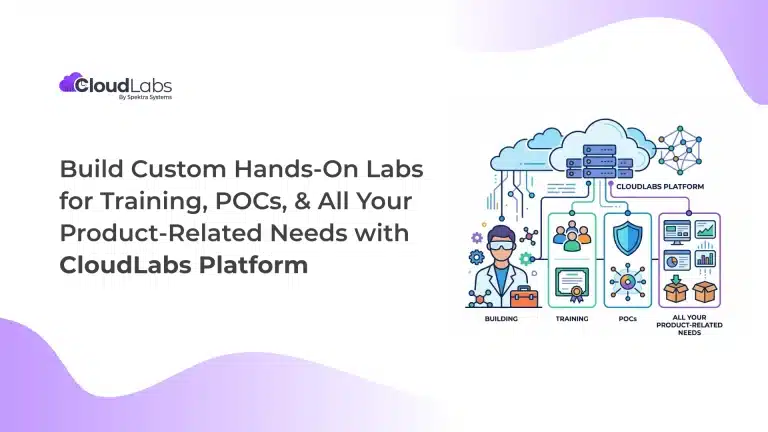 Hands-on labs Build Custom Hands-On Labs for Training, POCs, and All Your Product-Related Needs with CloudLabs Platform Build on-demand, custom hands-on lab environments with the CloudLabs platform for product training, POCs, demos, certification, and team enablement.
 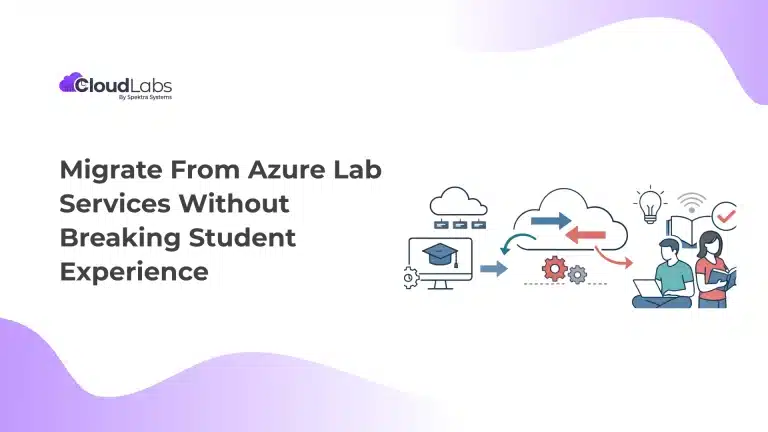 Education Migrate From Azure Lab Services Without Breaking Student Experience Azure Lab Services is all set to retire on June 28th, 2027.