Best Instruqt Alternatives in 2026
10 Instruqt alternatives compared by what your lab has to run: scored training, VM replicas, multi-cloud with your SaaS, Kubernetes, or UI-only demos.

The best Instruqt alternative depends on what your lab has to run. CloudLabs fits multi-cloud environments that include your own SaaS, Skillable fits scored skill validation, CloudShare fits VM replicas of licensed software, and Killercoda fits Kubernetes practice. If your product is only a user interface, a click-through demo tool is cheaper and does the job.
Instruqt competitors fall into four groups: lab platforms, training tools, demo tools and in-app onboarding tools. We have curated a list of 5 questions, to help you work out which group you need, and the guide closes with the cases where Instruqt is still the better fit.
What Instruqt does well, and why teams look for alternatives
Instruqt is a hands-on lab platform for software companies that want prospects, customers and partners to use a product in a live environment. Its pricing page lists sandbox environments with “VMs, containers and Kubernetes in seconds”, isolated AWS, Azure and GCP accounts per session, and a bring-your-own-cloud option. Labs can be embedded on other sites and connected to LMS and CRM tools such as Salesforce, Marketo and HubSpot. Instruqt also lists SOC 2 and SOC 3 compliance.
3 reasons come up when teams start looking elsewhere:
- No public pricing. Instruqt sells prepaid annual consumption packages and shows no dollar prices. A trial is available on request. Teams that need a budget figure early in an evaluation have to wait for a sales conversation.
- Your team builds and runs the labs. Instruqt gives you the tools to author and manage lab environments. That works well for companies with in-house lab authors. Teams without that capacity often want a provider that builds and operates labs for them.
- Specialist programs. Some teams need scored skill validation for a certification program, or a virtual classroom built around a live instructor. Specialist platforms put those jobs at the center of their product.
Instruqt is strong for vendors with in-house lab authors and broad cloud needs. The alternatives below win on narrower jobs, and the right one depends on what your lab has to run.
How to choose an Instruqt alternative
Answer these 5 questions before you compare feature lists. What your lab must run decides the shortlist; features only separate the finalists.
1. Does your product need real infrastructure to show honestly?
This is the question that matters most. If your product is only a user interface, a click-through demo tool is cheaper and does the job. If you only need to guide users inside a product they already run, an in-app onboarding tool fits. If prospects need to configure, deploy or break something real, you need a lab platform. A guide to building a sales demo environment walks through this test in more detail.
2. What does the lab run?
Match the platform to the workload. Containers or Kubernetes only point toward Killercoda. Licensed software on virtual machines points toward CloudShare. Multi-cloud environments that also include your own SaaS point toward CloudLabs. If you are scoping a trial, see what goes into building a POC environment.
3. Do you need scored skill validation or certification?
If labs feed a certification program, pick a platform that scores the work automatically and reports results by skill. With CloudLabs, you can build hands-on courses for certification pathways, with auto-graded assessments in live lab environments and reporting on completion rates and lab activity. Skillable is another option built around scored certification labs.
4. Is training live and instructor-led?
Live classes need an instructor view into every learner’s environment. CloudLabs lets instructors watch and assist live sessions through Shadow VM, Strigo, and ReadyTech are built around virtual classrooms, and CloudShare and Heropa also serve instructor-led training.
5. Who operates it, and is the price published?
Decide whether your team will build and run the labs or hand that work to a provider. None of the lab platforms below publishes a full price list for its enterprise offering, so ask each one for its quote basis: per user, per hour of runtime, prepaid credits or a fixed scope.
10 Instruqt alternatives compared by situation
Each platform below is built for a different kind of lab, from managed multi-cloud environments to Kubernetes practice and interactive product demos. For each one, you’ll see what it does well, where it falls short and how its pricing works, so you can quickly find the right fit for your team. Pricing details are current as of October 2026. For a wider look at the category, you can also compare virtual lab platforms.
| Platform | Best for | Environments | Pricing as published |
|---|---|---|---|
| CloudLabs | Multi-cloud environments that include your own SaaS, managed | AWS, Azure, GCP and Oracle Cloud; your product plus required infrastructure | Pay-as-you-go pricing model. Customized on demand. Check CloudLabs pricing for details |
| Skillable | Scored skill validation and certification labs | Cloud-native and VM-based labs | Not published; demo request |
| CloudShare | VM replicas of licensed software | Cloud replicas of software, systems and networks | Not published; usage-based |
| Strigo | Live, instructor-led technical training | Lab Engine with a virtual classroom | Not published |
| ReadyTech | Instructor-led and self-paced training across mixed environments | Your AWS, Azure, GCP or Oracle Cloud account, on-premise systems, learner machines or ReadyTech-hosted labs | Not published; pay-as-you-go or month-to-month |
| Heropa | Template-based labs for SE and training teams | Browser-based labs from reusable templates | Not published; prepaid Training Credits |
| Killercoda | Kubernetes and open-source tooling practice | Kubernetes, Docker, Helm, Istio, Argo, OpenTofu, Ansible, Git | Free plan; paid plan prices not shown |
| Click-through demo tools (Navattic, Arcade) | Products that are only a UI | Captured product screens, no live infrastructure | Free tiers; Arcade Growth $50 per seat per month |
| Supademo | Low-cost interactive demos and guides with CRM tracking | Captured product screens, no live infrastructure | Free to enterprise Custom per user plan month |
| UserGuiding | In-app onboarding inside a live web product | Guides layered on your running product | Starter $174 and Growth $349 per month; no free plan |
1. CloudLabs: Best for Multi-Cloud Product Labs, Demos, POCs, Trials and Events
Overview
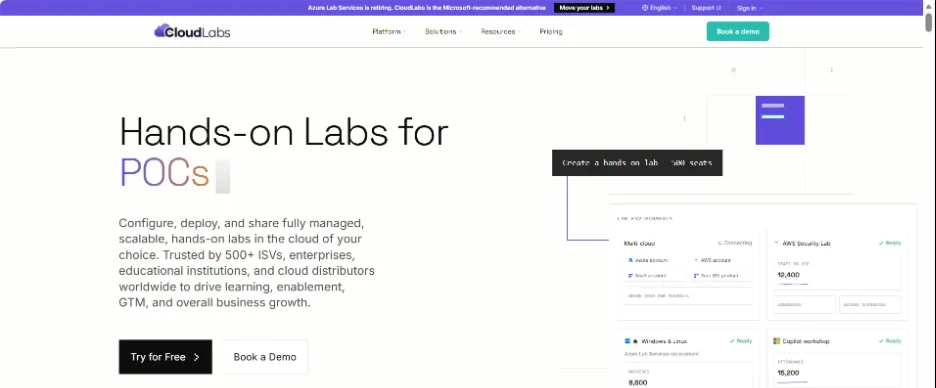
CloudLabs is a hands-on lab platform trusted by 100+ ISVs, training teams and enterprises that need real cloud environments for demos, proofs of concept, product trials, training and events. You can deliver your own product together with the infrastructure it needs, in browser-based labs compatible with AWS, Azure, GCP and Oracle Cloud.
Team CloudLabs offers end-to-end managed services, enabling a seamless experience with lab building and management. Additionally, AI lab builder Cosmos AI speeds up the entire process. A dedicated support team ensures 24/7 support across emails and live chat 365 days a year.
Highlights
- Your product plus required infrastructure: Combine your SaaS, software and cloud services in a single lab. Build custom labs around your use case.
- Multi-cloud environments: Run labs on AWS, Azure, GCP and Oracle Cloud.
- End-to-end managed services: Hand off lab building, testing, delivery and support.
- AI-powered lab builder: Cosmos AI Lab Builder turns a plain-English brief into a lab draft.
- White-labeled, embeddable labs: Deliver labs on your own domain and inside your own pages.
- LMS integration: Connect to learning systems through LTI 1.1 and 1.3.
- Instructor monitoring and support: Shadow VM lets an instructor or SE view and assist a live session.
- CRM signals: Trial intent signals flow to your CRM automatically.
- Cost optimization: Auto Stop, Auto Delete and Idle VM Detection keep cloud spend in check.
- Dedicated event support: Pre-provisioned capacity and support for hackathons, conferences and virtual events.
- 24×7 expert support: Help for admins, instructors and learners around the clock.
Ideal Use Cases
- Product demos and sales engineering
- Proofs of concept
- Free trials and product-led growth
- Customer and partner training
- Hackathons, workshops and virtual events
- Certification and skill validation programs
- Prebuilt Cybersecurity, data and AI labs
- Multi-cloud training and enterprise upskilling
Limitations
CloudLabs is built for labs that need real infrastructure. If your product is only a UI and you just need a click-through walkthrough, an interactive demo tool may be a simpler fit.
Pricing
Pricing depends on the lab environment, number of users, cloud resources, program needs and deployment model. Check pricing.
2. Skillable
Overview
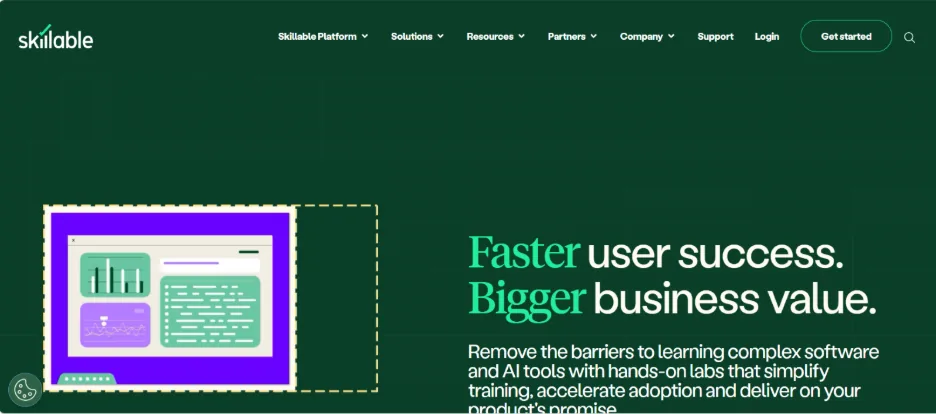
Skillable is a hands-on lab platform focused on skill validation. It supports cloud-native and VM-based labs with guided, sandbox and scored lab types, and is often used by software vendors and training organizations that run certification programs.
Its scoring ranges from multiple-choice questions to scripts and AI Vision, and its analytics map results to skills frameworks such as NIST-NICE.
Highlights
- Scored labs: Automated scoring through questions, scripts and AI Vision.
- Multiple lab types: Guided, sandbox and scored labs.
- Cloud and VM labs: Cloud-native and VM-based environments.
- LTI and API launch: Start labs from an LMS or another system.
- Skills analytics: Results mapped to frameworks such as NIST-NICE.
- Cost controls: Settings to manage lab spend.
- Security and compliance: ISO 27001 and SOC 2 Type II.
Ideal Use Cases
- Certification programs
- Skill assessments
- Customer education
- Partner training
- Conference and event labs
Limitations
Skillable is strong for scored learning. Teams focused mainly on sales demos and POCs may need more, and its site mentions cloud integrations without naming providers, so confirm your clouds early. If you are reviewing Skillable as well, see these Skillable alternatives.
Pricing
Pricing is not published. Contact the vendor for a quote.
3. CloudShare
Overview
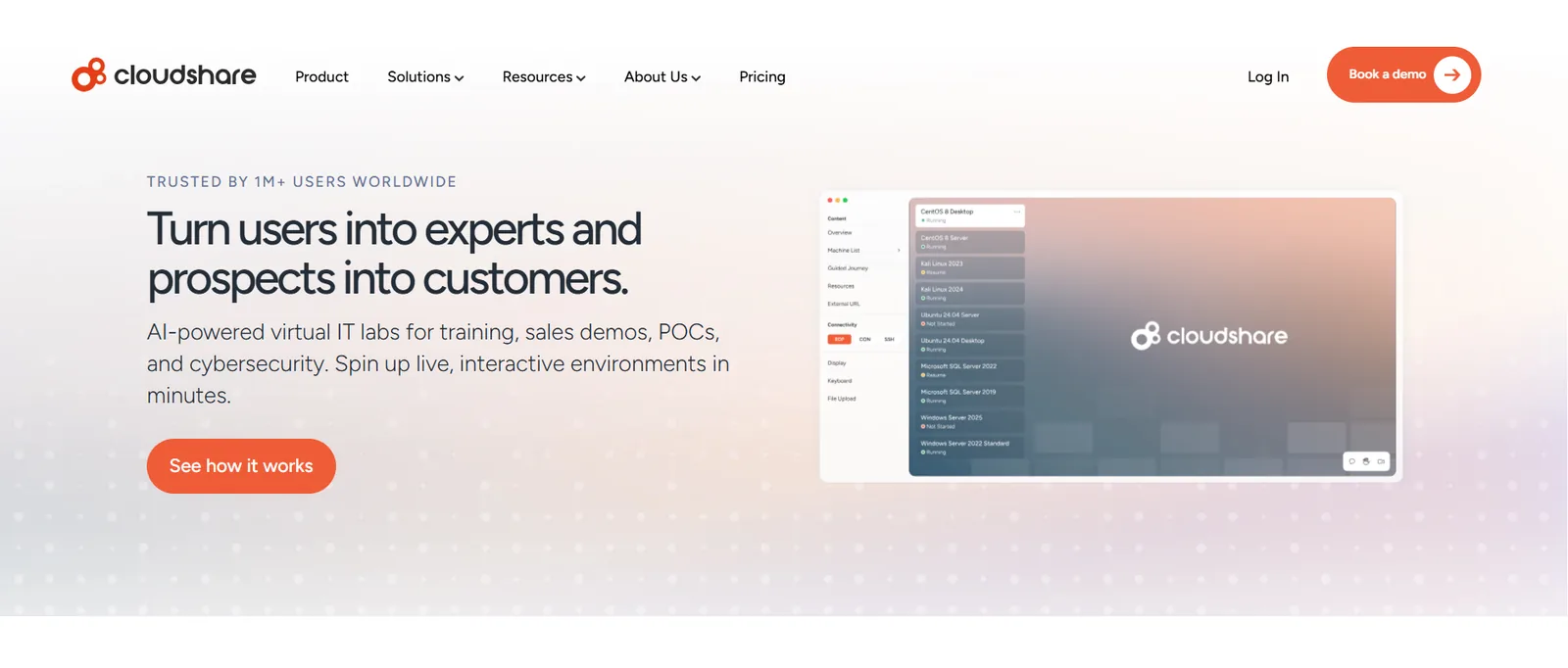
CloudShare provides virtual IT labs built from cloud replicas of software, systems and networks. Software companies use it for product demos, POCs, partner enablement and both instructor-led and self-paced training.
Instructors can monitor sessions in real time and take control, and environments can be cloned in one click.
Highlights
- Software replicas: Cloud copies of software, systems and networks.
- Product demos and POCs: Environments for sales and evaluation.
- Instructor-led training: Live classes alongside self-paced options.
- Real-time monitoring: View and take control of learner sessions.
- One-click cloning: Duplicate environments quickly.
- Usage controls: Auto suspend, auto delete and time limits.
- Multi-region hosting: Run environments closer to users.
- LMS integration: Connect labs to learning systems.
Ideal Use Cases
- Product demonstrations
- Technical sales
- Proofs of concept
- Customer onboarding
- Partner training
- Software training
Limitations
CloudShare is strong for VM replicas of licensed software. Teams that need scored certification content or multi-cloud labs built around their own SaaS may need additional tooling. Teams already on it can compare these CloudShare alternatives.
Pricing
Pricing is usage-based and not published. Contact the vendor for a quote.
4. Strigo
Overview
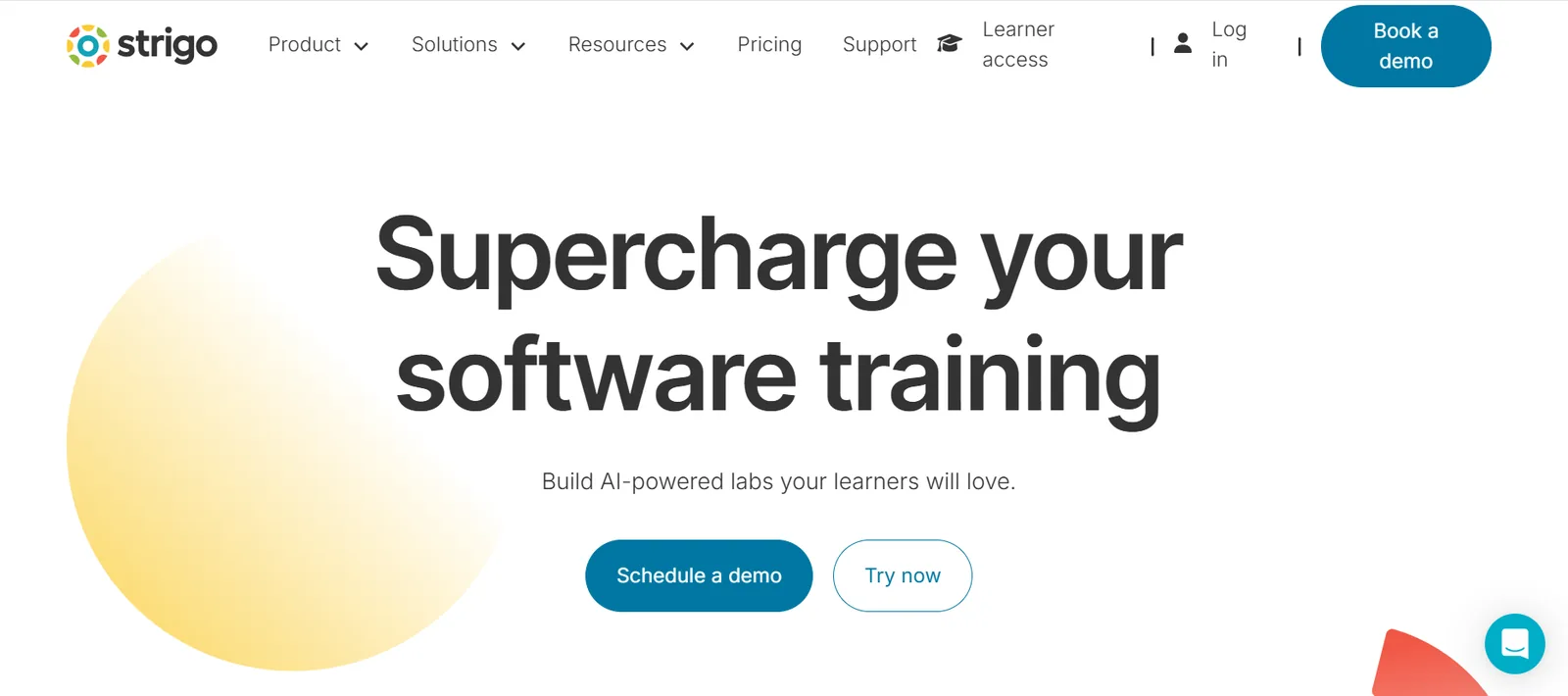
Strigo combines hands-on labs with a virtual classroom for technical training. Its Lab Engine runs labs that can be embedded in other sites, with an AI training assistant and automated assessments to support learners.
Its site also lists demos, POCs, events and partner management as use cases, though most of the product centers on live training.
Highlights
- Virtual classroom: Live, instructor-led sessions with labs built in.
- Lab Engine: Hands-on environments for training content.
- Embeddable labs: Place labs inside your own pages.
- AI training assistant: Help for learners during labs.
- Automated assessments: Checks on learner progress.
- Partner management: Tools for partner training programs.
Ideal Use Cases
- Instructor-led technical training
- Customer education
- Partner enablement
- Workshops and events
Limitations
Strigo is best suited to training programs. Teams focused on sales demos, POCs and product trials may find fewer tools for those workflows. You can also compare these Strigo alternatives.
Pricing
Pricing is not published. Contact the vendor for a quote.
5. ReadyTech
Overview
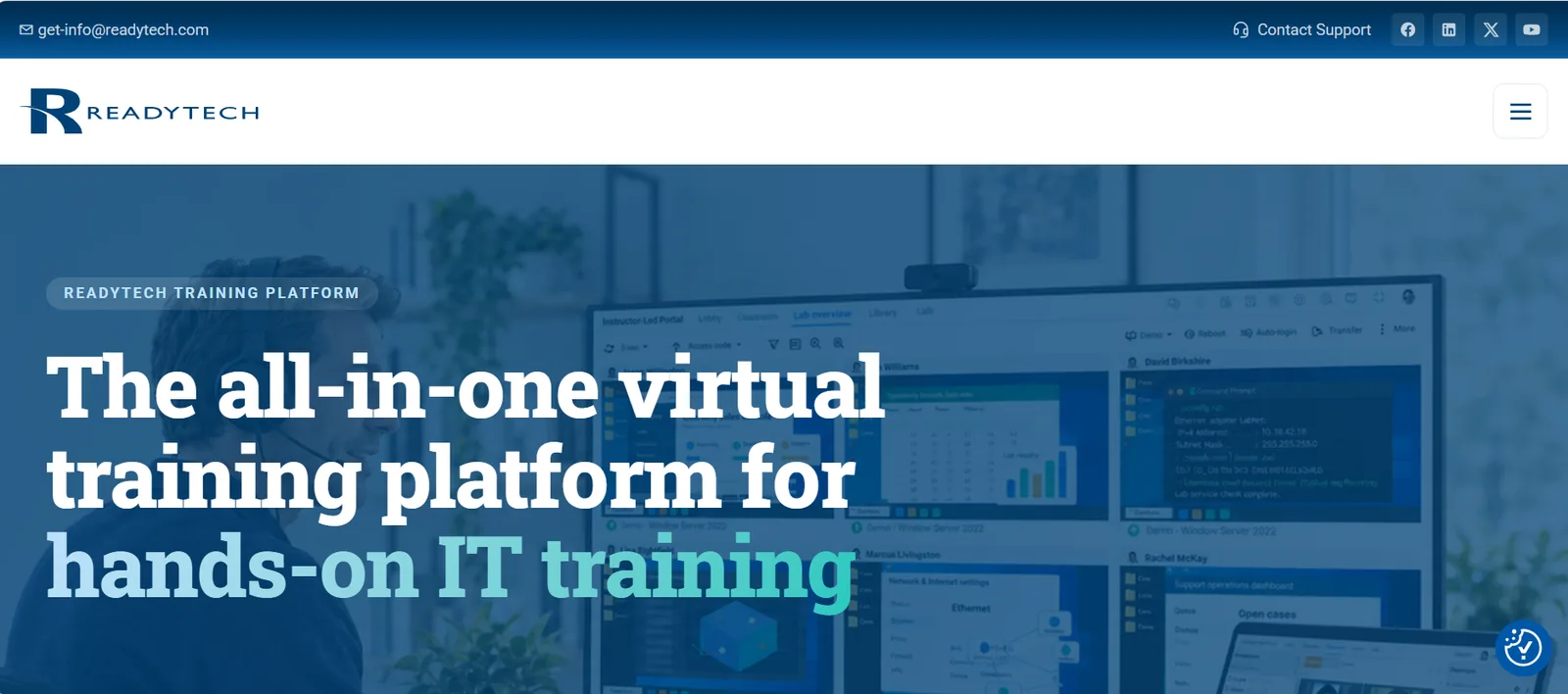
ReadyTech is a virtual training platform for instructor-led and self-paced technical training, with more than 30 years in business. Its browser-based Virtual Classroom includes polls, surveys, tasks and exams.
Labs can run in your own AWS, Azure, GCP or Oracle Cloud account, on in-house systems, on learners’ own machines or on ReadyTech-hosted infrastructure.
Highlights
- Virtual Classroom: Live instruction with polls, surveys, tasks and exams.
- Lab Overview: View learner screens, take or share control, transfer files and reset labs.
- Flexible lab hosting: Your cloud account, on-premise systems, learner machines or ReadyTech-hosted labs.
- Browser access: No plug-ins, installs or VPN for learners.
- Course templates: Reusable setups for materials, schedules and labs.
- Training analytics: Attendance, engagement and feedback data.
- Integrations: LTI and API connections to LMS and CRM systems.
- Self-paced storefront: Registration, payment and course access in one place.
- 24/7 live support: Help for instructors, learners and admins.
Ideal Use Cases
- Virtual instructor-led training
- Self-paced training
- Customer training
- Employee training
- Workshops and conferences
Limitations
ReadyTech is built mainly for training delivery. It offers a sales demo solution, but teams focused on POCs and product-led trials may need more.
Pricing
Pay-as-you-go and month-to-month plans are available, with no published prices. A 30-day free trial is offered. Contact the vendor for a quote.
6. Heropa
Overview
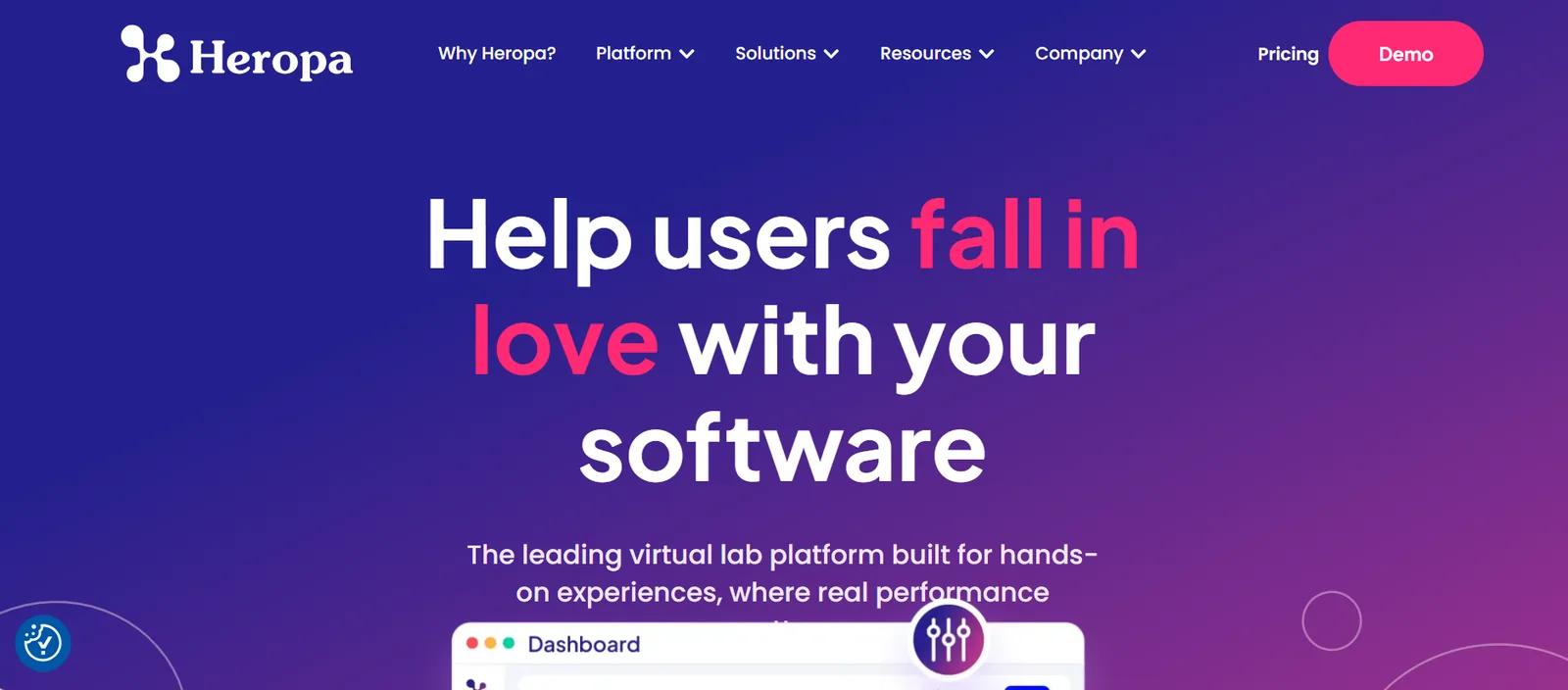
Heropa delivers browser-based virtual labs built from reusable templates. Sales engineering and training teams use it to launch the same environment many times without rebuilding it.
Its reporting covers learner engagement, progress and skills validation, and Heropa is an AWS Qualified Partner.
Highlights
- Reusable templates: Build a lab once and launch it many times.
- Browser-based labs: No local setup for users.
- Engagement and progress reporting: Track how users move through labs.
- Skills validation reporting: See what learners have completed.
- Training Credits: A prepaid model for lab usage.
- Cost controls: Built-in settings to manage spend.
Ideal Use Cases
- Sales engineering demos
- Customer training
- Partner enablement
- Workshops
Limitations
Heropa’s site does not list the clouds, operating systems or stacks it supports, so confirm technical fit early in your evaluation.
Pricing
Heropa uses prepaid Training Credits, with prices not published. Contact the vendor for a quote.
7. Killercoda
Overview
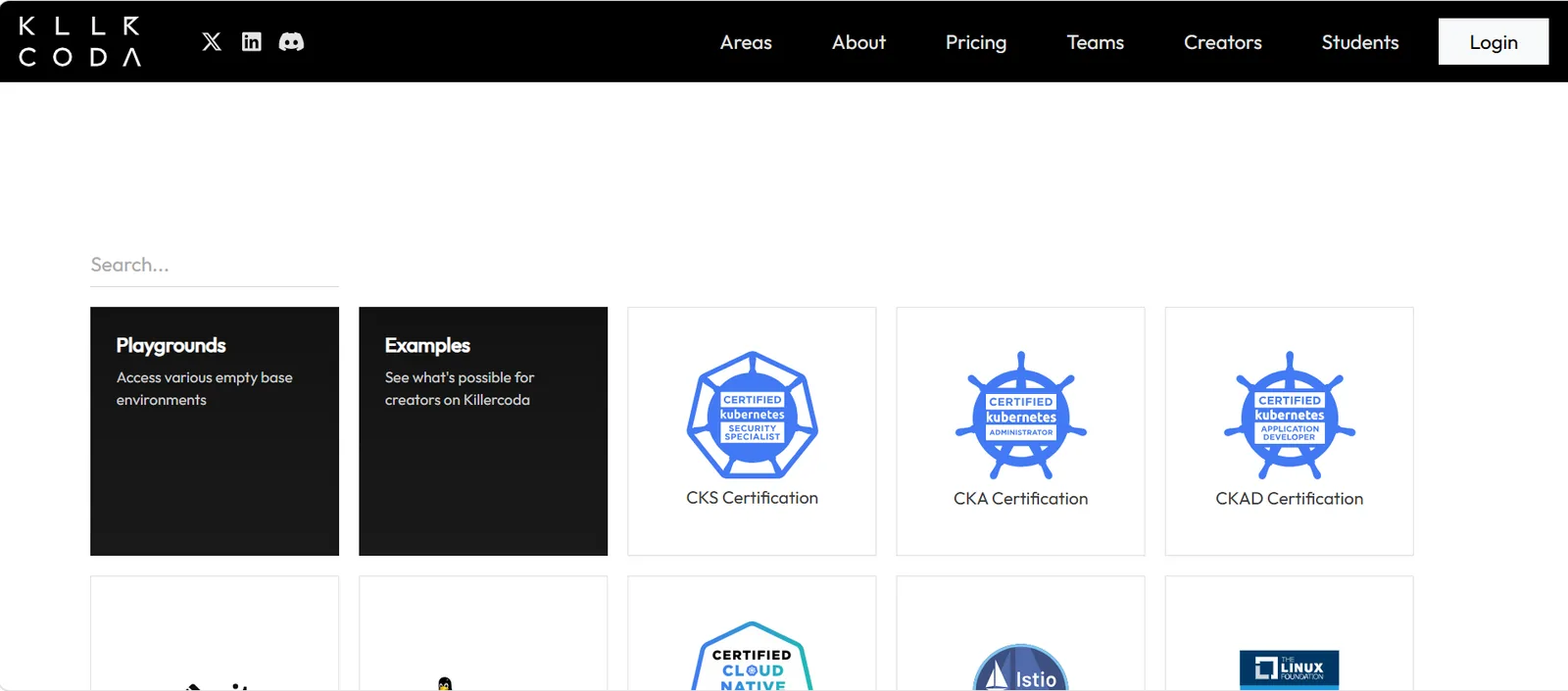
Killercoda offers browser-based playgrounds and courses for Kubernetes and open-source tools. It is popular with DevRel teams, open-source projects and engineers preparing for Kubernetes certifications.
Highlights
- Kubernetes playgrounds: Ready-to-use clusters in the browser.
- Open-source tooling: Docker, Helm, Istio, Argo, OpenTofu, Ansible and Git.
- Certification practice: Labs for CKA, CKAD and CKS.
- Longer sessions: The Plus plan runs scenarios for up to four hours, with up to three open at once.
- Voucher codes: Share access with teams and learners.
- Free plan: Access to all free scenarios except Courses.
Ideal Use Cases
- Kubernetes training
- DevRel tutorials
- Certification prep
- Open-source project onboarding
Limitations
Killercoda has a narrow scope. Its site does not mention product demos, POCs or multi-cloud enterprise delivery.
Pricing
Killercoda offers Free, Plus and Course plans. Dollar prices for paid plans are not shown on its pricing page.
8. Click-through demo tools (Navattic, Arcade)
Overview
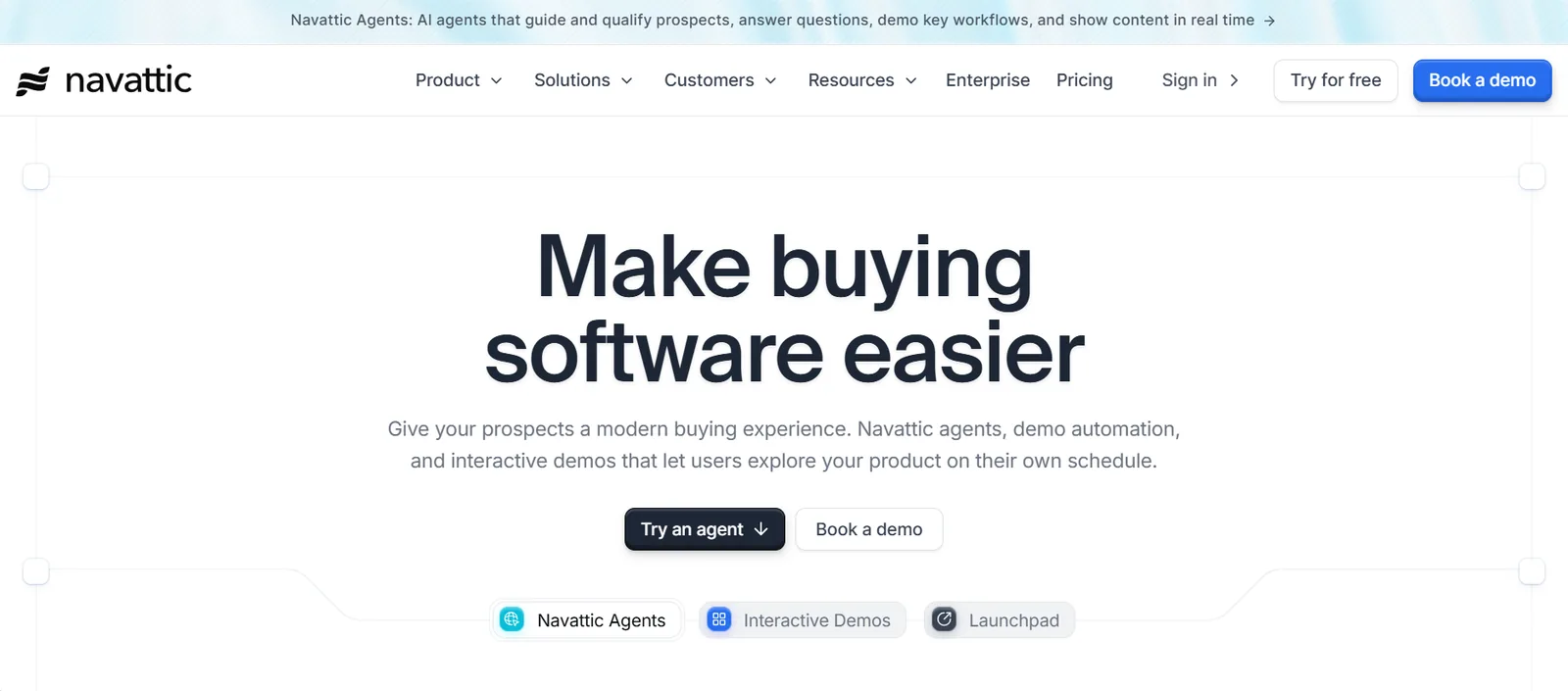
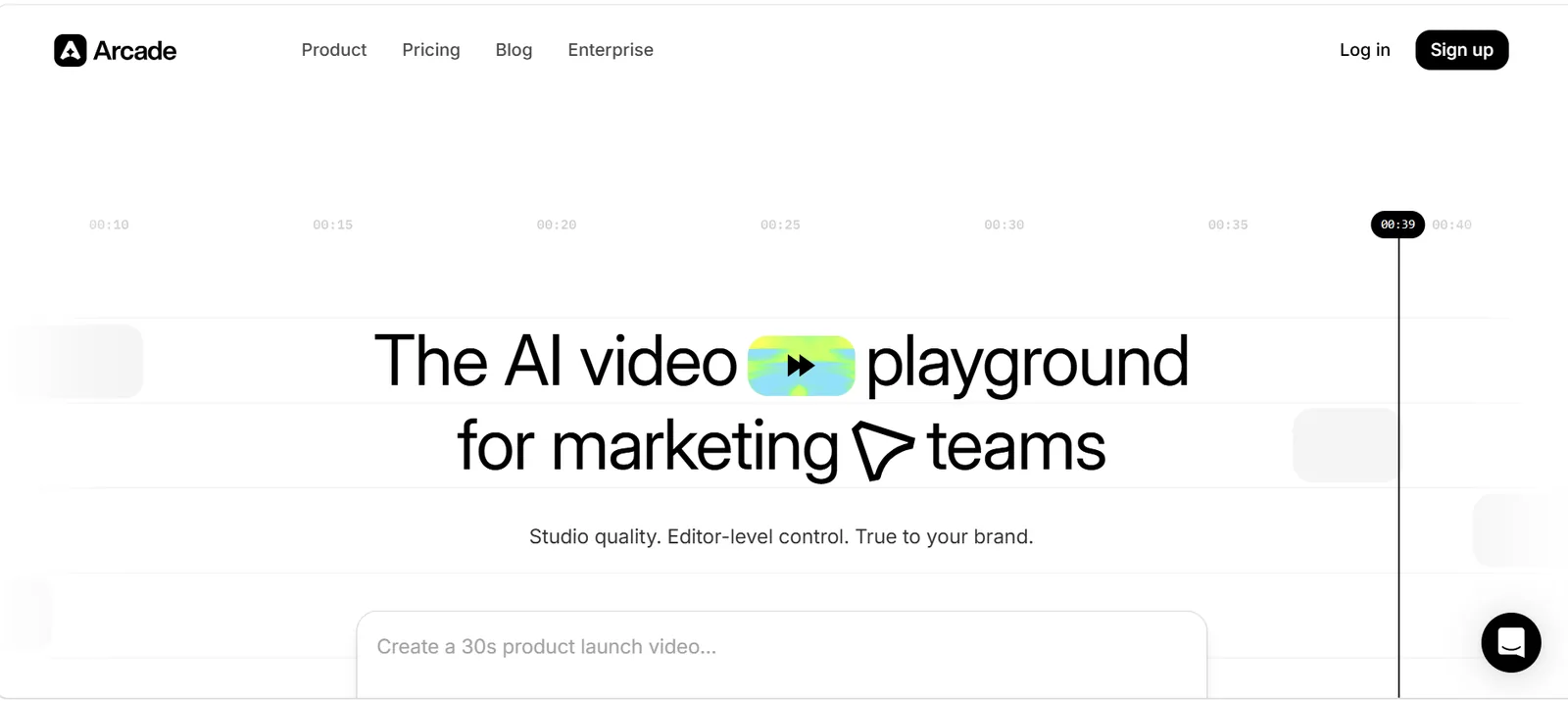
Click-through demo tools capture your product’s screens and turn them into guided, interactive tours. Navattic and Arcade are two widely used options. Marketing and sales teams use them on websites, in emails and during sales follow-ups.
No live environment runs behind these demos, which keeps them simple and low-cost for products that are only a UI.
Highlights
- Interactive demos: Click-through tours of your product.
- HTML demos (Navattic): Captured product pages on paid plans.
- Sandbox demos (Navattic): Available on higher tiers.
- Easy sharing (Arcade): Demos shared by link or iframe.
- Free tiers: Both offer a free plan limited to one demo.
- Strong reviews: Navattic shows 4.8 on G2 from 1,123 reviews.
Ideal Use Cases
- Website product tours
- Marketing campaigns
- Sales follow-ups
- Product launches
Limitations
Demos replay captured screens. Neither pricing page mentions standing up real cloud infrastructure or a live product environment, so these tools do not suit labs where users configure or deploy anything real.
Pricing
Navattic’s Starter plan is free, Base and Growth prices are not shown, and Enterprise is custom. Arcade has a free plan (one seat, one demo) and a Growth plan at $50 per seat per month, or $42.50 billed yearly.
9. Supademo
Overview
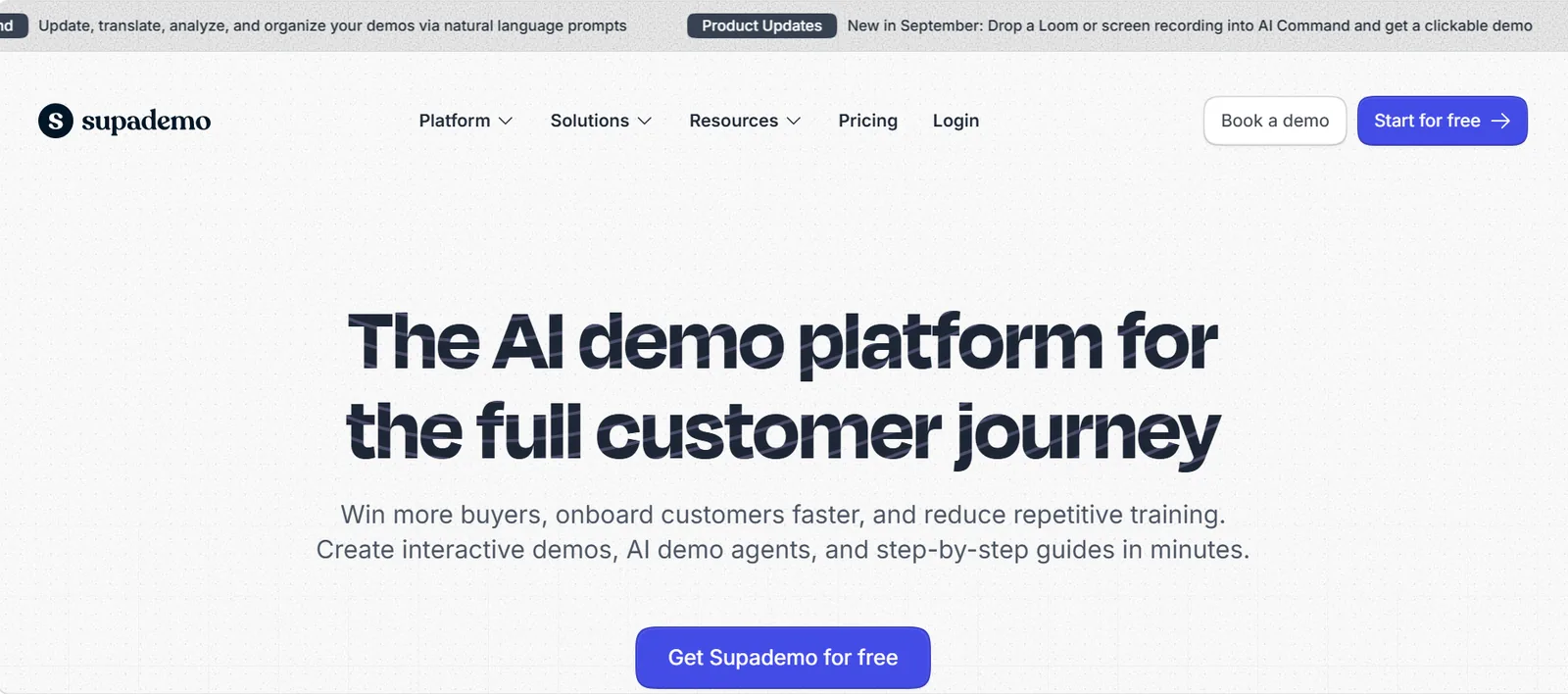
Supademo turns screen captures into interactive demos and step-by-step guides. Sales, marketing and support teams use it to show product workflows and track how viewers engage.
Highlights
- Interactive demos and guides: Built from screen captures and recordings.
- Annotations and branding: Custom styling and templates.
- Engagement tracking: Analytics and dashboards on demo views.
- CRM integrations: HubSpot, Pipedrive and Marketo Engage.
- Team tools: Slack alerts, access controls and user management.
Ideal Use Cases
- Website demos
- Sales enablement
- Product walkthroughs
- Help center guides
Limitations
Supademo demos replay captured screens, so prospects cannot configure, deploy or test anything real. It has the same ceiling as other click-through tools for infrastructure-heavy products.
Pricing
Supademo has a free plan, Scale at $38 per user per month, Business at $199, Growth at $350 and custom Enterprise pricing.
10. UserGuiding
Overview
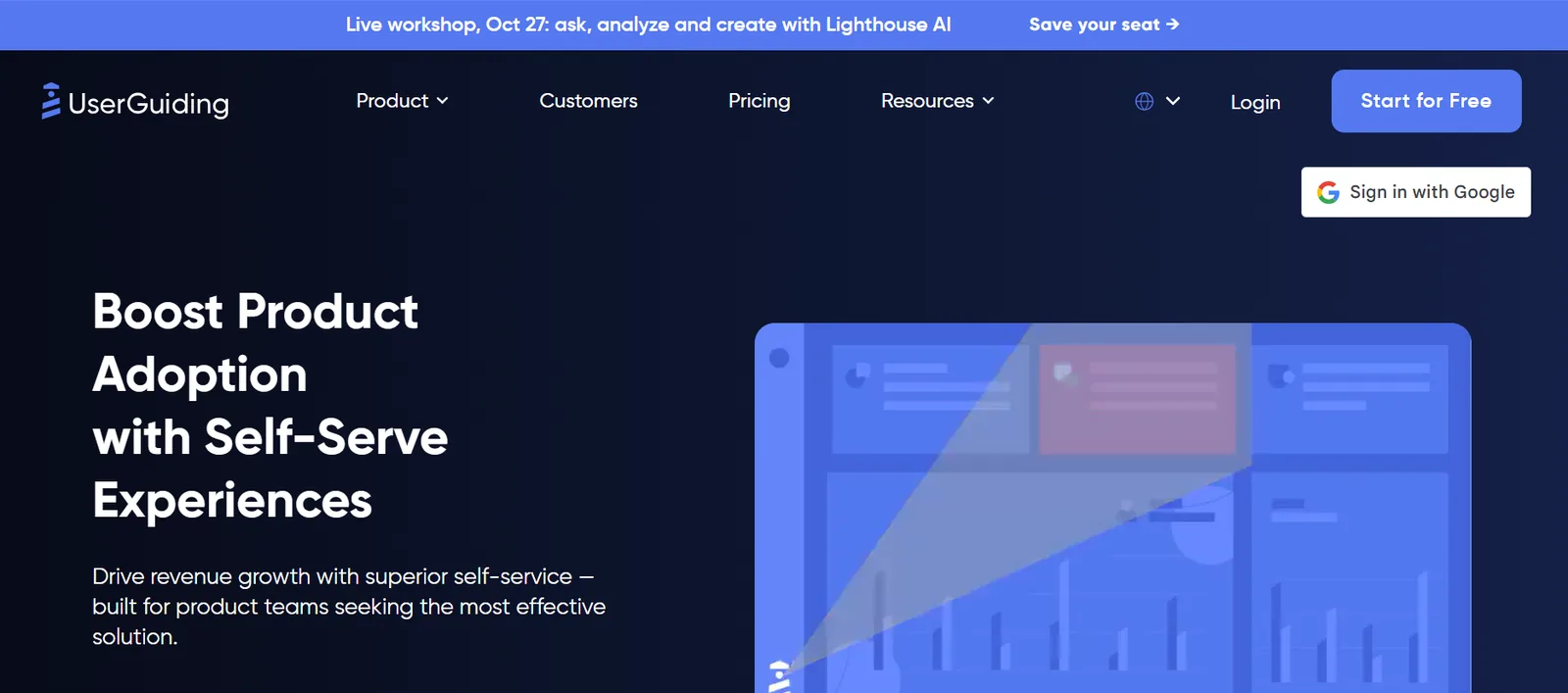
UserGuiding is a no-code product adoption tool. It adds product tours, checklists, hotspots, tooltips and in-app surveys to your running web app, so new users learn the product as they use it.
Highlights
- No-code product tours: Build guides without engineering help.
- Checklists, hotspots and tooltips: Point users to key features.
- In-app surveys and NPS: Collect feedback inside the product.
- Resource center: A built-in knowledge base for users.
- Segmentation and analytics: Target guides and track engagement.
- Integrations: Segment, Mixpanel, Amplitude, HubSpot, Intercom and Slack.
Ideal Use Cases
- User onboarding
- Feature adoption
- Self-serve trial activation
- In-app support
Limitations
UserGuiding guides users through a product they can already access. It does not provide lab environments or sandboxes, so it cannot stand up infrastructure for a demo, POC or training lab.
Pricing
Starter is $249 per month and Growth is $449 per month, both billed as flat rates. Enterprise pricing is custom. A free trial is available, but there is no free plan.
Top Instruqt alternatives by situation
| Situation | Best-fit platform | Runner-up |
|---|---|---|
| Multi-cloud labs with your own SaaS, managed for you | CloudLabs | Instruqt, if your team authors labs in-house |
| Scored skill validation or certification | Skillable | Heropa (skills validation reporting) |
| VM replicas of licensed software for demos and POCs | CloudShare | Heropa (reusable templates) |
| Live, instructor-led classes | Strigo | ReadyTech |
| Training across your own cloud, on-premise systems or learner machines | ReadyTech | CloudShare |
| Template-based labs for SEs and trainers | Heropa | CloudShare (one-click cloning) |
| Kubernetes and open-source practice | Killercoda | Instruqt (container and Kubernetes sandboxes) |
| UI-only product demo | Click-through demo tools (Navattic, Arcade) | Supademo |
| Low-cost interactive demos with CRM tracking | Supademo | Arcade |
| Onboarding users inside your live product | UserGuiding | None needed; a lab platform is more than this job requires |
When Instruqt is still the right choice
Switching has a cost, and for some teams Instruqt already fits. Based on Instruqt’s own pricing and comparison pages, stay with Instruqt if you:
- need disposable, isolated AWS, Azure or GCP accounts for each learner session
- want to run labs in your own cloud through bring-your-own-cloud
- author labs in-house and want embeddable labs with LMS and CRM integrations such as Salesforce, Marketo and HubSpot
- run live workshops where hosts support attendees with over-the-shoulder access (a claim from Instruqt’s own marketing)
- prefer a prepaid annual consumption contract
A specialist fits better when the job is narrow: a Kubernetes-only catalog suits Killercoda, and scored certification suits Skillable.
How CloudLabs helps with infrastructure-heavy demos, POCs and events
When your product needs real infrastructure and your own SaaS in the same lab, the hard part is building and running those environments. CloudLabs does both as an end-to-end managed service provider.
- Your product and its infrastructure in one lab. Labs combine your product with the infrastructure it needs, across AWS, Azure, GCP and Oracle Cloud.
- Someone else runs it. Managed services, Auto Stop, Auto Delete, and Idle VM Detection help handle operations and cloud spend.
- Live help during sessions. Shadow VM lets an SE or instructor see and assist a user’s environment.
- Knowing who tried the product. Validation Center is built in, and trial intent signals flow to your CRM automatically.
- Faster lab drafts. Cosmos AI Lab Builder helps turn a plain-English brief into a first lab draft.
Labs are white-labeled, embeddable on your domain and support LTI 1.1 and 1.3. For Databricks, CloudLabs delivered pre-validated labs across Azure and AWS for a virtual event with 7k+ registrations. For a side-by-side view, see the CloudLabs and Instruqt feature comparison.
Book a demo to see a lab built around your product.
FAQs
Is there a free Instruqt alternative?
Yes, with limits. Killercoda's Free plan covers all free scenarios except Courses, and its Plus plan extends runtime from one hour to four. Navattic and Arcade have free tiers limited to one demo, and Supademo has a free plan. None of these free options replaces custom labs built around your own product, which CloudLabs can help you with. Book a free trial today.
How much does Instruqt cost?
Instruqt sells prepaid annual consumption packages and shows no dollar prices on its site, so you need to request a quote. Most alternatives here also quote per deal. Arcade, Supademo and UserGuiding publish plan prices.
Do Instruqt alternatives support AWS, Azure and GCP?
Yes. CloudLabs supports AWS, Azure, GCP and Oracle Cloud, so you can run multi-cloud labs that include your own product alongside the cloud services it depends on. ReadyTech also runs labs in your own AWS, Azure, GCP or Oracle Cloud account, while Skillable mentions native cloud integrations without naming providers. Support varies across the rest of the list, so match each platform against the clouds your customers use.
 Training providers Check Point ATC Partner Program: Requirements, Benefits and Lab Setup Check Point ATC partner program requirements, how to apply, and the ways to provide the lab every student needs, including hosted labs.
  Hands-on labs Top Skillable Alternatives: 10 Lab Platforms Compared by Use Case Compare 10 Skillable alternatives by use case: demos and POCs, events, university labs, live training. Prices as published, one limitation each.
  Education Fall 2026 Checklist for Universities: Are Your Virtual Labs Ready for the Next Semester? As universities prepare for the Fall semester 2026, lab readiness becomes a priority.