Spektra Systems (www.spektrasystems.com) and its affiliates, including cloudlabs.ai, use cookies and similar technologies to recognise you when you visit our websites. This notice explains what these technologies are, why we use them, and your rights to control our use of them. We do not sell your data.
Build and deliver hands-on virtual machine labs at any scale
Create ready-to-use Windows and Linux virtual machine labs for learning, training, technical events, product demonstrations, sandboxes, and more. CloudLabs handles the infrastructure, while you control the experience.
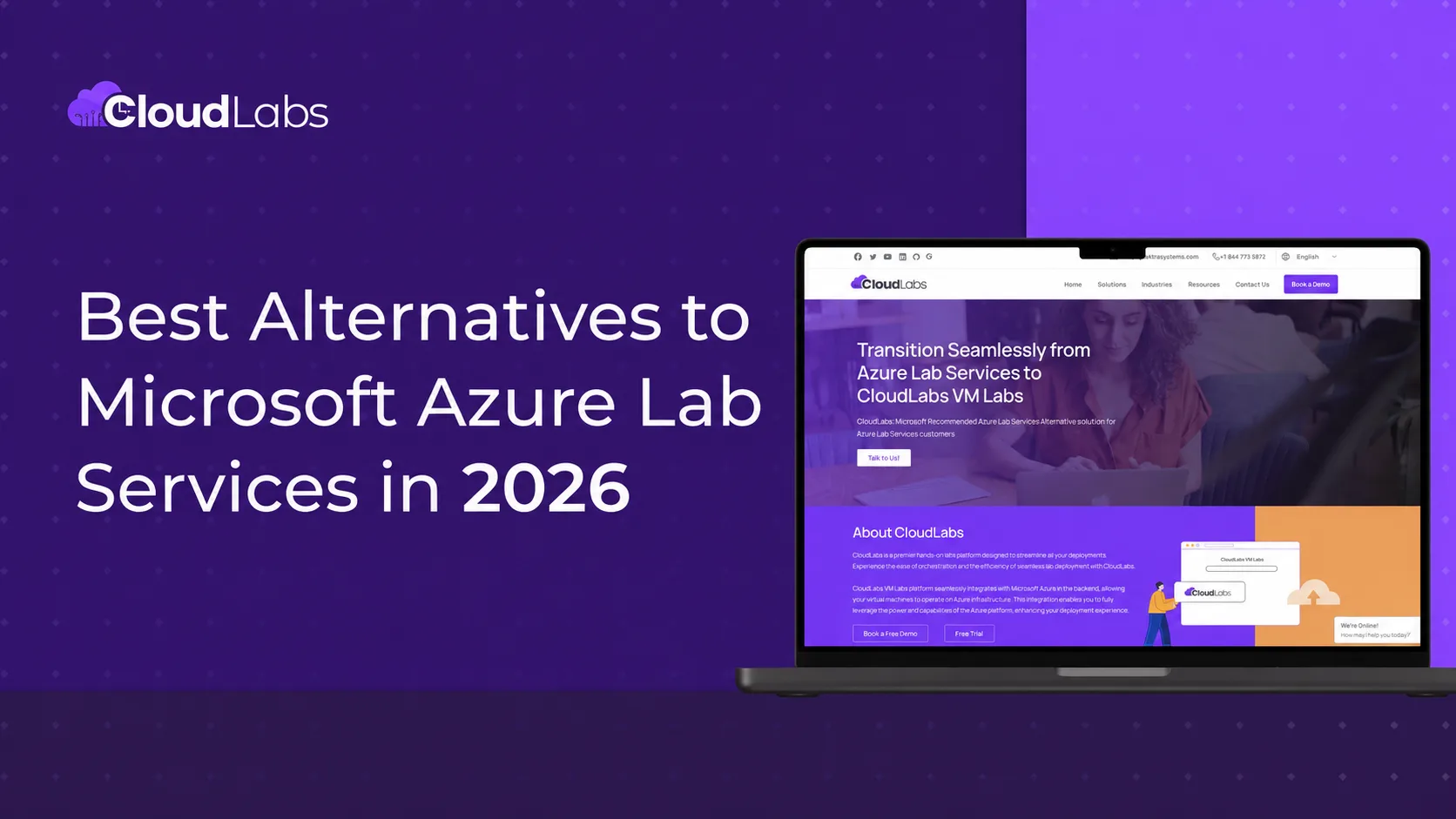
The Microsoft-Recommended Azure Lab Services Alternative
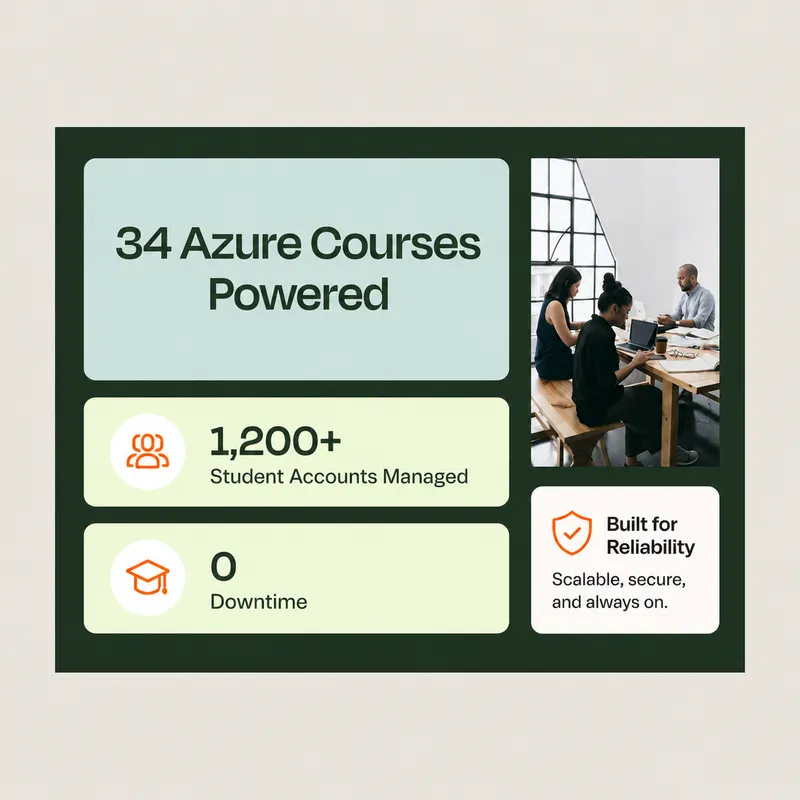
“Thanks to CloudLabs, we have successfully delivered Azure-related courses to a substantial number of students in various programs.”
David Trinh, Academic Program Manager, Seneca Polytechnic
Search labs, learners, requests⌘K
DK
Lab launches
1,284 +12.4%
Active learners
642 +8.1%
Avg. session
1h 42m +3.0%
Lab activity
Launches and active learners, last 6 days
7d30d90d
Lab launches
Active learners
121314151617
Lab requests
4 courses this week
Course
Learners
Cloud
Progress
Status
Azure Administrator (AZ-104)
128
Azure
72%
Live
Kubernetes Fundamentals
96
GCP
58%
Live
Cyber Range: Blue Team
42
AWS
0%
Scheduled
Data Science with Jupyter
64
Azure
91%
Live
CloudLabs Redefining Success Trusted by leading institutions worldwide!
10+
Years of industry expertise
5M+
Labs provisioned worldwide
1M+
Participants upskilled
50K+
Events supported
Why CloudLabs for virtual machine labs?
Live pilot
AZ-104 · Azure VM labs
Live
Cohort A32 learnersIn lab
Cohort B24 learnersDone
Pilot feedback
4.8 / 5
Managed setup
2h SLA
Lab setup
Configuration management
Automation scripting
Priority issue resolution
Your migration engineer
Priority queue · replies in hours
Transition plan
6 weeks
Lab assessmentWeek 1
Image migrationWeeks 2–3
Pilot sessionsWeek 4
CutoverWeek 6
LMS compatibility
2 of 4 checks passed
CanvasPassed
MoodlePassed
BlackboardCheck
LTI 1.3Check
Purpose-built environments
Create standardized VM environments with the tools and configurations required for each scenario.
Hands-on access
Let users work directly inside their assigned environments from the browser.
Centralized administration
Manage labs, users, schedules, deployments, and lifecycle operations from one place.
Program-level control
Monitor usage, optimize cloud consumption, and manage labs across courses, teams, events, or customer programs.
Case Studies
Delivering Measurable Impact
See how organizations across industries use CloudLabs to accelerate adoption, deliver hands-on learning, enable customers and employees, and achieve measurable business outcomes.
Everything you need to build, deliver, and manage VM labs at scale
Build the lab you need, deliver it to learners anywhere, and keep every session under control.
Build
Customized labs on Azure
Launch Windows and Linux lab environments in minutes, configured for your training, testing or enablement needs, in the Azure region of your choice for performance and data residency.
Flexible VM sizes
Choose custom vCPU, RAM, GPU and disk combinations, including nested virtualization and GPU options.
Multi-VM labs
Give each user up to 5 VMs per lab, each with its own configuration, for networking and multi-tier scenarios.
Persistent or non-persistent labs
Keep a user's work across sessions, or reset to a clean environment every time.
Deliver
Browser access with any identity
Users open their VMs in any browser, with no client install or VPN, signing in with Microsoft Entra ID, Google, LinkedIn and other identity providers.
Dedicated and shared VMs
Assign a dedicated VM to each user, or provide shared multi-session environments for group work.
Inbuilt lab manual
Show step-by-step instructions inside the lab, so users can follow exercises with confidence.
LMS integration
Launch labs from Moodle, Canvas and other LMS platforms through LTI 1.1 and 1.3.
Manage
Shadow VM
Connect to any user's environment in real time to guide, monitor or troubleshoot.
Cost optimization and reporting
Control consumption with usage limits, scheduled operating hours and automatic shutdown of idle VMs, and track spend per user and per lab with detailed Power BI reports.
Image optimization
Use AI-based fleet analysis to optimize VM images at scale. Ephemeral OS helps reduce separately billed OS disk storage costs by up to 65%.
Automation
Reduce manual work with lab cloning, lifecycle tracking (Active, Expired, Deleted), REST APIs, and PowerShell support.
One-pager (PDF)
See VM Labs at a glance
Get every VM Labs capability, use case and pricing model on a single page. Share it with your team or keep it handy for your next planning meeting.
Virtual machine labs built for hands-on experiences
Education & Academic Labs
Give students consistent environments for cloud, AI, cybersecurity, networking, programming, and other technical courses.
Professional Training
Run instructor-led workshops, training programs, bootcamps, certification prep and technical enablement with cloud labs using ready-to-use environments.
Hackathons & Technical Events
Provision large numbers of environments for participants without requiring event organizers to manage individual VMs.
Product Demos & Customer Trials
Give prospects a controlled environment where they can experience your technology hands-on.
Partner & Employee Enablement
Create repeatable technical environments for partner training, onboarding, internal upskilling, and enablement programs.
Development, Testing & Sandboxes
Provide isolated sandbox environments for experimentation, proof-of-concept work, troubleshooting, and technical exploration.
Create or configure the VM image, applications, resources, and settings your scenario requires.
02
Design the lab
Set access rules, usage policies, schedules, VM quantities, and other lab configurations.
03
Publish to your users
Invite learners, participants, customers, or employees and provide access through the CloudLabs portal or your LMS.
04
Manage and optimize
Monitor activity, support users, control consumption, and manage the lab lifecycle from the CloudLabs platform.
24×7 Globally
Secure, compliant labs on Microsoft Azure
VM Labs runs on Microsoft Azure's global infrastructure. Each learner works in an isolated environment, and admins choose the Azure region where VMs run to meet data-residency requirements. Support is available 24/7 across North America, EMEA and APAC, in English, Spanish, French, German, Italian, Japanese and Korean.
Select your preferred region for compliance and control over VM location.
Multilingual support
Support in your language, around the clock.
Support coverage
Availability
24×7
Data residency
Regional
Regions
North America, EMEA, APAC
Languages
7 supported
Access support in English, Español, Français, Deutsch, Italiano, 日本語 and 한국어 for a truly inclusive and seamless global experience.
Pay for what you use
Use your existing Azure subscription or let CloudLabs manage the Azure infrastructure for you. CloudLabs supports flexible deployment and purchasing models so you can align VM lab delivery with your organization's cloud strategy.
Plan Your Migration from Azure Lab Services with CloudLabs VM Labs
As Azure Lab Services approaches retirement, explore migration guides, best practices, cost optimization strategies, and expert insights to help you transition and scale hands-on labs with confidence.
“We are incredibly pleased with our experience using CloudLabs by Spektra Systems. Their responsiveness and support have been nothing short of outstanding, and they demonstrated remarkable flexibility in accommodating our unique processes.”
David Trinh
Academic Program Manager, Seneca Polytechnic
“Our company has been working with CloudLabs for three years. The service allowed us to train our teams and partners over different products and cloud platforms, by provisioning timely labs with the smoothest student experience.”
Tal Ein-Habar
Cloud Security Expert, Check Point
“CloudLabs has been our go-to platform for any hands-on lab experiences for customer and partner technical trainings. It eliminates the time and complexity of setting up labs and enables a smooth experience for all participants.”
Håkan Forsberg
Cloud Solution Architect, Microsoft
“Thank you for your exceptional support and service for the numerous workshops and hackathons we planned together. You are knowledgeable, reliable, and really great to work with.”
Nina Sui
Sr. Product Marketing Manager, Microsoft
“We are incredibly pleased with our experience using CloudLabs by Spektra Systems. Their responsiveness and support have been nothing short of outstanding, and they demonstrated remarkable flexibility in accommodating our unique processes.”
David Trinh
Academic Program Manager, Seneca Polytechnic
“Our company has been working with CloudLabs for three years. The service allowed us to train our teams and partners over different products and cloud platforms, by provisioning timely labs with the smoothest student experience.”
Tal Ein-Habar
Cloud Security Expert, Check Point
“CloudLabs has been our go-to platform for any hands-on lab experiences for customer and partner technical trainings. It eliminates the time and complexity of setting up labs and enables a smooth experience for all participants.”
Håkan Forsberg
Cloud Solution Architect, Microsoft
“Thank you for your exceptional support and service for the numerous workshops and hackathons we planned together. You are knowledgeable, reliable, and really great to work with.”
Nina Sui
Sr. Product Marketing Manager, Microsoft
“We are incredibly pleased with our experience using CloudLabs by Spektra Systems. Their responsiveness and support have been nothing short of outstanding, and they demonstrated remarkable flexibility in accommodating our unique processes.”
David Trinh
Academic Program Manager, Seneca Polytechnic
“Our company has been working with CloudLabs for three years. The service allowed us to train our teams and partners over different products and cloud platforms, by provisioning timely labs with the smoothest student experience.”
Tal Ein-Habar
Cloud Security Expert, Check Point
“CloudLabs has been our go-to platform for any hands-on lab experiences for customer and partner technical trainings. It eliminates the time and complexity of setting up labs and enables a smooth experience for all participants.”
Håkan Forsberg
Cloud Solution Architect, Microsoft
“Thank you for your exceptional support and service for the numerous workshops and hackathons we planned together. You are knowledgeable, reliable, and really great to work with.”
Nina Sui
Sr. Product Marketing Manager, Microsoft
“I partnered with Spektra Systems to host a large-scale virtual hackathon with an aggressive timeline and nothing more than an idea. They structured the event and exceeded my expectations by going above and beyond what was asked.”
Coree Mahoney
Azure Program Manager, Microsoft
“The lab environments provided by Spektra Systems are critical to our events. Spektra makes it easy for our participants and coaches to get access to Azure and Power Platform capabilities.”
Jeff Fatic
Director, HLS Emerging Opportunities, Microsoft
“Your team has been crucial in providing in-time support during the hackathon, solving and assisting participants. We recommend this model for every engagement where the labs are just a day long.”
Srikanth Dharmana
Program Manager, Global Channel Partner Solutions, Microsoft
“I partnered with Spektra Systems to host a large-scale virtual hackathon with an aggressive timeline and nothing more than an idea. They structured the event and exceeded my expectations by going above and beyond what was asked.”
Coree Mahoney
Azure Program Manager, Microsoft
“The lab environments provided by Spektra Systems are critical to our events. Spektra makes it easy for our participants and coaches to get access to Azure and Power Platform capabilities.”
Jeff Fatic
Director, HLS Emerging Opportunities, Microsoft
“Your team has been crucial in providing in-time support during the hackathon, solving and assisting participants. We recommend this model for every engagement where the labs are just a day long.”
Srikanth Dharmana
Program Manager, Global Channel Partner Solutions, Microsoft
“I partnered with Spektra Systems to host a large-scale virtual hackathon with an aggressive timeline and nothing more than an idea. They structured the event and exceeded my expectations by going above and beyond what was asked.”
Coree Mahoney
Azure Program Manager, Microsoft
“The lab environments provided by Spektra Systems are critical to our events. Spektra makes it easy for our participants and coaches to get access to Azure and Power Platform capabilities.”
Jeff Fatic
Director, HLS Emerging Opportunities, Microsoft
“Your team has been crucial in providing in-time support during the hackathon, solving and assisting participants. We recommend this model for every engagement where the labs are just a day long.”
Srikanth Dharmana
Program Manager, Global Channel Partner Solutions, Microsoft
VM Labs FAQ
Frequently Asked Questions
01What is a VM Lab or a virtual machine lab?
A VM lab, or virtual machine lab, is a virtual lab environment where learners use preconfigured Windows or Linux virtual machines to complete hands-on exercises.
CloudLabs VM Labs is a managed service for delivering these labs. Learners can access VMs from any browser, and admins can control access, schedule uptime and manage costs from one portal.
02Who uses VM Labs?
Universities, colleges, training providers, enterprises and software companies use VM Labs for courses, certification training, hackathons, product demos, partner enablement and sandboxes.
03Do learners need a cloud subscription or special software?
No. Learners only need a browser and an invitation. They sign in with an identity they already use, such as Microsoft Entra ID, Google or LinkedIn.
04How do you keep lab costs under control?
Set per-learner usage quotas, schedule operating hours and shut down idle VMs automatically. Power BI reports show spend per user and per lab.
05Can VM Labs integrate with our LMS?
Yes. VM Labs supports LTI 1.1 and LTI 1.3, so you can launch labs from Canvas, Moodle and other LTI-compatible platforms.
06Can I use my own Azure subscription?
Yes. You can bring your own Azure subscription or use a CloudLabs-managed one.
07How quickly can we launch?
Most organizations launch their first labs within days, using preconfigured templates and deployment help from our team.
08We use Azure Lab Services today. Can VM Labs replace it?
Yes. VM Labs is a recommended alternative to Azure Lab Services, with migration tooling and expert support.
Set up VM Labs and run your first labs with real learners. Access is enabled within 24 hours, and you can create up to 5 labs with 3 deployments per lab.
Access enabled within 24 hours
Your trial is set up for you: create up to 5 labs with 3 deployments per lab.
Up to $2,000 in Azure credits
Available for qualified Azure Lab Services migrations.
Migration tooling and expert guidance
Move your lab plans, lab accounts, and VM images with help from our team.
LMS compatibility checks
Verify integration between CloudLabs VM Labs and your existing learning ecosystem.
Request your trial
Submit the form, and we will get back to you soon.
 The Microsoft-Recommended Azure Lab Services Alternative
















.DSjdzFJG_ZSVcdN.webp)