

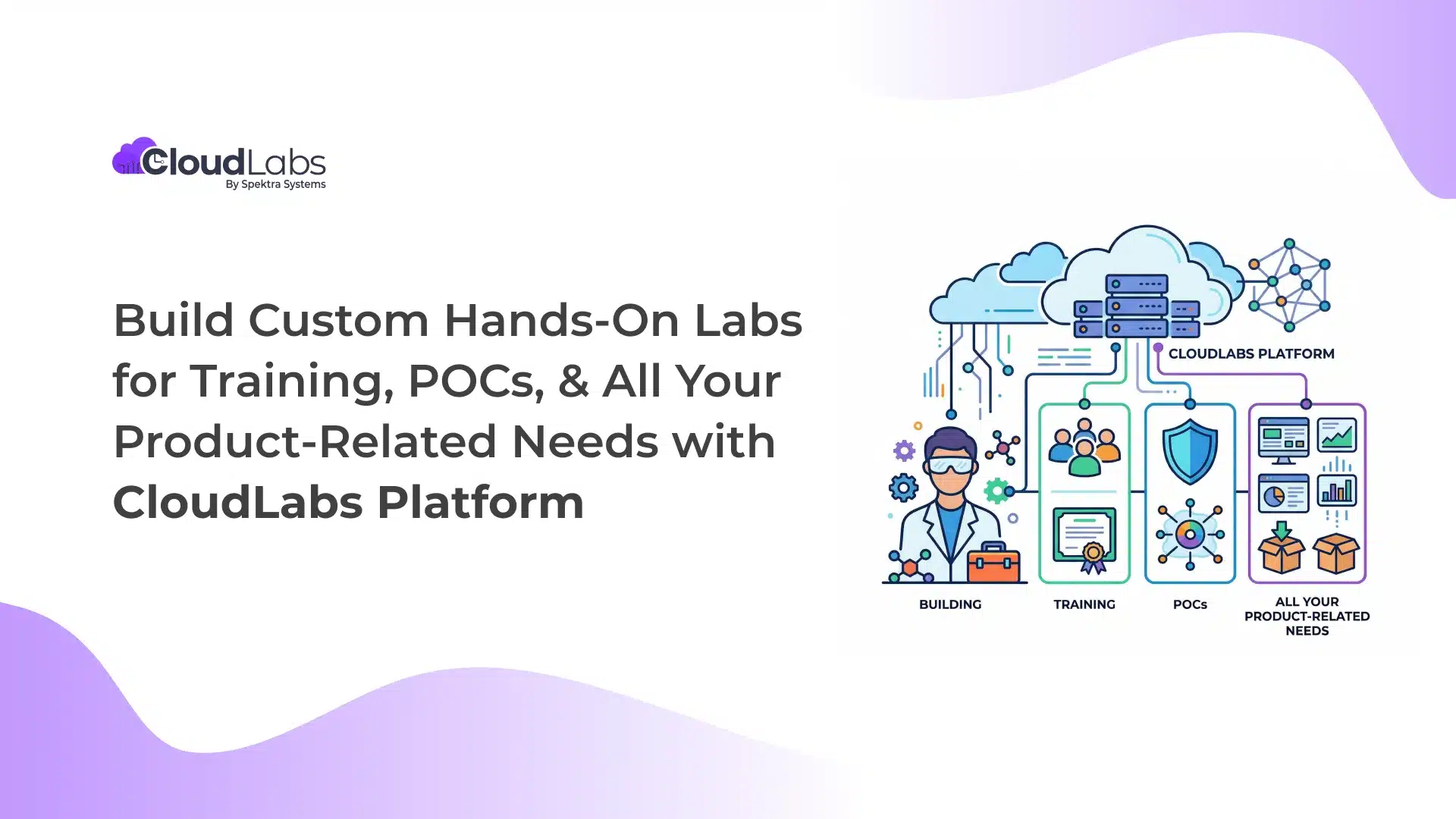
Organizations today are building complex products, delivering technical training, and running large-scale learning programs in advanced tech.
Whether it is ISVs showcasing their solutions, enterprises enabling internal teams, educational institutions supporting student learning, or training providers helping professionals upskill, one common challenge persists across all use cases.
Standard lab environments are often not enough. They do not always match specific product workflows, integrations, or real-world user experiences.
CloudLabs platform bridges this gap, helping build on-demand, hands-on, custom-made lab environments.
Instead of fixed lab setups, you get to build interactive lab environments exactly as you need them, delivering scalable, interactive user experiences for product training and enablement, hands-on learning, certification, and a wide range of use cases.
Why Custom Labs Are a Key Capability of the CloudLabs Platform?
CloudLabs platform helps you build lab environments exactly the way you need them. You can control how users interact with the lab, define admin rights, and how the overall experience is delivered.
Infrastructure On Demand: You can configure the lab infrastructure based on your product needs.
- Choose the cloud platform (AWS, Azure, Google Cloud)
- Configure tools, dependencies, and environment setup
- Define how the lab environment behaves based on your product needs
Workflow and Lab Experience Customization: You can design the complete lab flow based on your use case.
- Add required tools and integrations
- Define steps in lab guides
- Define success criteria for learners to complete the lab
- Build challenge labs
White Labeling and Branding: You can fully customize the platform’s look and access. This ensures you can deliver labs as part of your own platform experience.
- Use your own branding instead of CloudLabs
- Set up a custom domain for lab access
- Integrate labs with your preferred LMS
Custom Landing Pages: You can create dedicated landing pages for your lab programs tailored to your audience and use case.
- Let CloudLabs SMEs help you create landing pages for different use cases
- Customize the experience based on your audience (training, POC, workshops)
Instead of adjusting your use case to fit a platform, CloudLabs platform helps you build custom lab experiences around your use case.
How CloudLabs Platform Fits into Your Use Case?
Different organizations use custom labs in different ways.
CloudLabs allows you to design lab environments based on your business goals, audience, and product requirements.
All these use cases are supported by the CloudLabs platform’s core capabilities, including browser-based access, LMS integration, multi-cloud support, in-depth reports, and real-time support.
| Organization Type | Primary Goal | How CloudLabs Helps You? | Outcome |
| ISVs/ Enterprises | Sell, showcase, and scale product adoption | Demo labs to showcase product capabilities
Product trial labs for hands-on evaluation Full replica POC labs based on real use cases Labs for workshops, events, and webinars Internal training labs for employees and sales teams External labs for customer and partner enablement |
Faster product understanding
Higher conversion from demos and POCs Improved customer and partner engagement |
| Educational Institutions (EDU) | Deliver structured learning aligned with the curriculum | VM-based labs for practical learning
Cloud-based labs for real-world training Certification labs aligned with course objectives Custom labs designed as per the institute’s curriculum needs |
Better learning outcomes
Higher course completion rates Improved student engagement |
| Training Companies | Provide hands-on upskilling and technical training | Tech-focused upskilling labs
Hands-on environments for advanced learning programs Custom labs aligned with specific training courses |
Stronger learner outcomes
Better skill development Increased value of training programs |
CloudLabs Platform Core Capabilities
Across ISVs, enterprises, educational institutes, and training companies, certain capabilities are essential for delivering effective lab experiences.
CloudLabs platform provides these as standard across all custom lab environments:
- Direct Web Connect: Access labs through web browsers of choice, without the need for any external software installation.
- LTI Integration: CloudLabs integrates seamlessly with various LMS systems like Moodle and Canvas using LTI 1.1 and 1.2.
- Shadow VM: Instructors and administrators can connect to users’ virtual machines using the Shadow VM feature and provide real-time oversight and support.
- 24/7 Premium Support: Our dedicated support team is available around the clock, 24/7 for 365 days, offering relevant solutions to your lab-related queries.
- In-depth Reporting: Access downloadable Power BI reports offering comprehensive insights into user deployments, active/idle labs, and associated costs over a dashboard view.
- Custom Portal Access: Get your dedicated portal comprising a customized URL, instead of the default one.
- Multi Cloud Support: Run labs on AWS, Microsoft Azure, Google Cloud, or your own cloud infrastructure as needed.
CloudLabs Platform Features
- Dedicated & Shared VMs: Choose between dedicated VMs for your users or share one virtual machine among multiple users with multi-session capabilities.
- Advanced Cost Optimization Features: Easily track and limit lab usage, schedule lab’s operational hours, and automate shutdown for idle labs, enabling precise cost control.
- Integrated Lab Manual: Access detailed lab guides with step-by-step instructions, integrated within the virtual machines for seamless, guided learning.
- Streamlined User Experience: Invite users via email or redeemable codes. Once signed in, users can immediately access the virtual labs without installing any additional software.
- Automation: Automate operations such as cloning a lab, REST API, and upcoming PowerShell modules, enhancing productivity and reducing manual tasks.
- Security and Compliance: Active compliance with SOC 2 Type II, GDPR, and ISO 27001:2022 ensures complete safety of data and information.
- Dedicated Access Rights: Select and utilize the appropriate cloud environment based on your access rights. Share your request with our team to configure user-specific permissions for each cloud.
Customize Your Labs as You Need
Below are some of the key customization options available
| Customizations Available | What It Means |
| Lab Environment Setup | Access tailor-made, hands-on labs configured to specific product requirements. |
| Custom Environment Control (Open vs Restricted) | Share fully open environments for free exploration or restricted environments with limited access to specific resources. Choose flexible sandbox environments or controlled setups as needed. |
| Set Custom Roles and Permissions | Configure access for instructors, facilitators, and participants as required. |
| Request White Labelling | Share your request to replace CloudLabs branding with your own company branding. |
These customization options allow organizations to create lab environments that match their operational and training requirements.
Start With a CloudLabs Platform Proof of Concept
Before launching custom labs at scale, organizations and institutions often want to test the relevance of CloudLabs’ custom environments and understand if our labs are an exact match for their use case.
Sign up for a guided Proof of Concept (POC) of the CloudLabs platform, build unique lab environments compatible with your defined requirements, and set success criteria. Our team of experts will closely work with you throughout the entire process.
Having clear success criteria at the start helps ensure the POC stays focused, measurable, and aligned with your goals.
During the POC phase, CloudLabs experts help you:
- Deploy and configure your product within custom labs
- Avail complete support with content creation and in-built guides
- Replicate real product workflows matching tailor-made use cases
- Automate lab environment setup and reset processes
- Configure instructor, facilitator, and attendee access
- Run pilot labs with internal teams or selected users and record feedback
- Evaluate environment performance and scalability
- Validate compatibility with required tools, scripts, and dependencies
- Experience priority support for environment setup, automation, and troubleshooting
Your teams can test real workflows, remove operational bottlenecks, and check the environment before rolling it out to larger audiences.
Use CloudLabs Platform to Build Your Custom Labs
Sign up for a CloudLabs platform POC and test your lab setup with real workflows before final deployment.

Amit Malik is the COO at Spektra Systems, known for his expertise in Microsoft Cloud and digital transformation. He drives strategic planning and operational initiatives, reshaping the cloud landscape to deliver superior business outcomes. He is a recognized thought leader and speaker on Cloud, AI, and IoT, and holds a position among the Leaders Excellence at Harvard Square.