

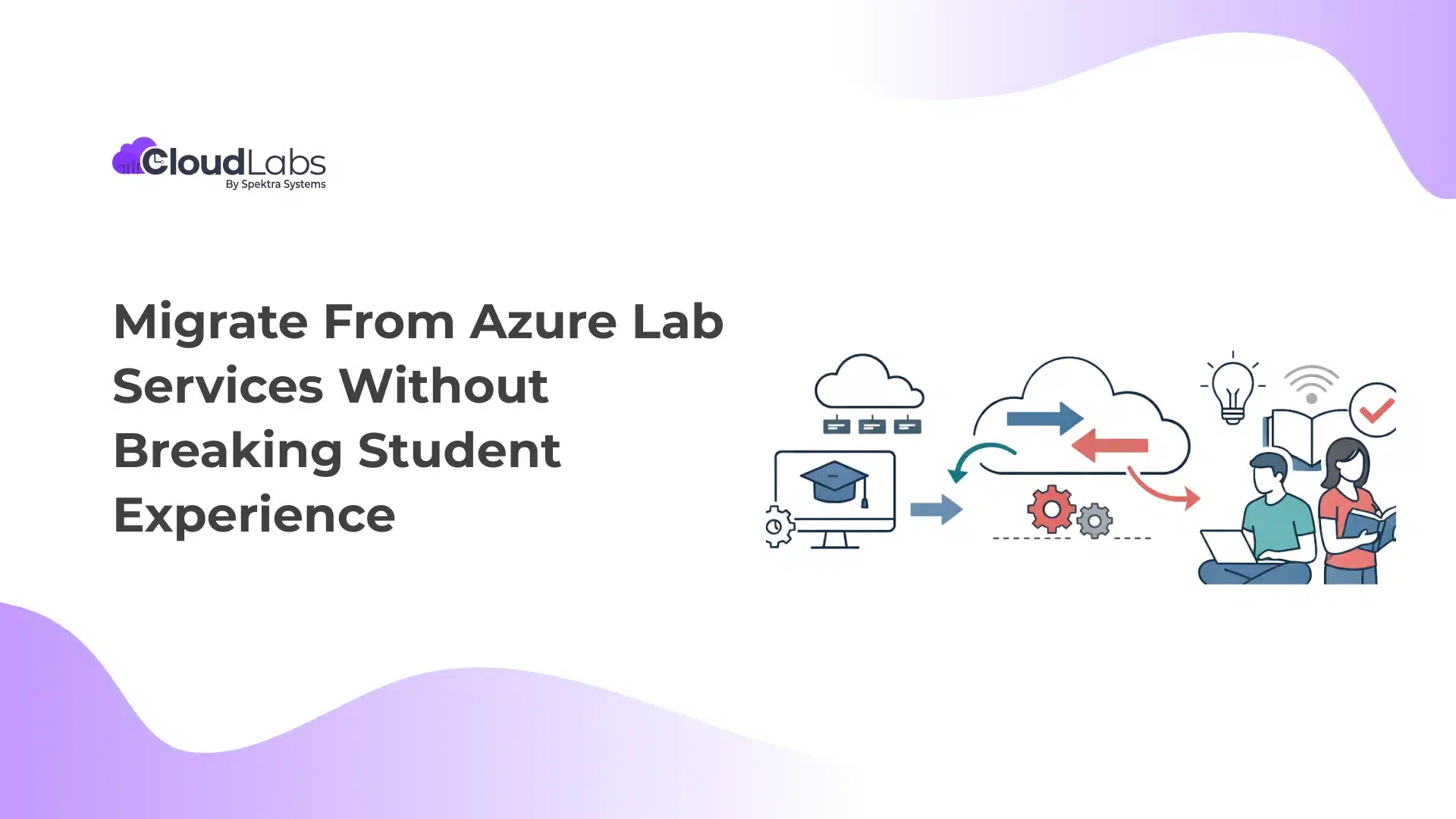
Azure Lab Services is all set to retire on June 28th, 2027. Microsoft recommends immediate transition to avoid service disruption and ensure seamless lab continuity, scalability, and a smooth learning experience.
Are you still waiting for a clearer direction and have not come up with a fixed migration plan?
In this blog, we will explore the risks of last-minute, rushed migration and how institutions can begin planning an early transition from Azure Lab Services while maintaining a smooth experience for their students.
Risks of Rushed Migration vs. Planning Now
Existing Azure Lab Services users across 50+ countries have already finalized their migration plans, choosing CloudLabs VM Labs, the Microsoft-recommended Azure Lab Services alternative.
The more you wait, the more time you lose. When migration is rushed, teams do not get enough time to test labs, integrations, and course workflows. It forces critical activities such as instructor readiness, LMS compatibility checks, and cost planning into a much smaller window.
| Risk Factor | What Happens in a Rushed Migration | Impact on Students & Instructors | How Planned Migration Helps |
| Operational Disruption | Your migration plan can overlap with active semesters. | Students face delayed lab access, slow sessions, or interrupted workshops. | Recreate labs early, test them with instructors and students. Move courses gradually based on academic schedules. |
| Unprepared Instructors | Instructors are introduced to new lab tools and settings without preparation time. | Instructors struggle to run sessions smoothly, which affects teaching quality. | Instructors can review the new platform early through pilot sessions before final rollout. |
| LMS Integration Issues | LMS connections and lab launch links may behave differently. | Students face broken links, login issues, or delayed lab access. | Review LMS integrations and address areas for improvement before the final migration. |
| Unexpected Cloud Costs | Misconfigured lab usage settings and resource limits | Higher Azure usage and difficulty predicting lab costs. | Teams can review usage patterns and adjust lab settings before migration. |
How a FREE POC Will Help You Migrate from Azure Lab Services Without Breaking Student Experience
CloudLabs VM Labs supports a parallel migration approach.
Instead of shutting down existing lab environments and rebuilding everything at once, institutions can run Azure Lab Services and CloudLabs VM Labs side by side as needed. Teams can gradually review and migrate labs without interrupting active courses.
A parallel migration approach removes the pressure to rush infrastructure changes near the start of a term and gives institutions the flexibility to move with complete planning that aligns with their academic schedules.
What Teams Can Do During Parallel Migration?
| Migration Activity | What It Means for Your Institution |
| Replicate existing VM images | Current Azure Lab Services lab environments can be recreated within CloudLabs VM Labs |
| Test lab functionality with instructors | Internal teams can review how labs behave before introducing them to students |
| Run pilot sessions | Let instructors and learners experience the platform in real training scenarios and note their feedback |
| Review LMS integration | Check for LMS compatibility and share feedback on further enhancements. |
Why Parallel Migration Works?
| Institutional Concern | How Parallel Migration Helps |
| Active courses running throughout the year | Existing lab environments remain operational |
| Instructor readiness | Faculty gets enough time to become familiar with the new platform before the final switch |
| Student learning continuity | Learners experience uninterrupted lab access |
| Migration planning flexibility | Institutions get to control when and how courses move to the new platform |
Because CloudLabs VM Labs runs on Azure infrastructure, institutions can continue leveraging the same cloud ecosystem they already use today while gaining expanded lab management capabilities.
CloudLabs VM Labs FREE POC Benefits
Sign up for CloudLabs VM Labs POC and experience the platform first-hand. Our experts will analyze your existing resources and offer accurate migration timelines that help. A dedicated team ensures round-the-clock support through lab creation and management.
| POC Benefits | Outcome |
| Hands-On Pilot Testing | Run and test labs in real classroom conditions |
| LMS Compatibility Checks | Confirm integration with your existing learning ecosystem |
| End-to-End Technical Guidance | Lab setup, automation scripting, configuration support |
| Defined Migration Timelines | Clear roadmap tailored to your current ALS architecture |
| Extended Support as Needed | Continued assistance until POC closes with you completely satisfied with our solution |
Wrapping Up
As Azure Lab Services approaches retirement, Microsoft recommends that institutions start planning early and test available alternatives, while those who delay risk compressed timelines and potential service disruptions.
If you are still contemplating your migration plan and are not sure whether you are ready to commit. CloudLabs VM Labs provides a structured pathway! Sign up for our FREE POC and run pilot tests of the available labs with your own set of learners. Get CloudLabs experts to guide you throughout the process and work closely with you on feedback implementation as needed.
Book your FREE POC today and migrate without breaking the student experience.
FAQs
- Whatis the most feature-rich Azure Lab Services alternative in 2026?
CloudLabs VM Labs stands out as the most feature-rich, Microsoft-recommended Azure Lab Services alternative, built for scale, equipped with enterprise-grade controls, ready-to-deploy lab templates, and infrastructure that scales to meet unique use cases. The platform includes all the most-loved features from Azure Lab Services, with added flexibility and benefits.
- Why shouldn’t institutionsdelay theirplan to migrate from Azure Lab Services?
Delaying migration compresses planning timelines and increases the risk of disruption during live semesters or training programs. - What is included in theCloudLabsVM Labs FREE POC?
Sign up for a CloudLabs VM Labs FREE POC and let our experts analyze your labs and share transparent migration timelines followed by real-time technical support. Meanwhile, you can pilot test the VM Labs platform, run LMS compatibility checks, bring in real users, capture their feedback, and identify unused resources. - 4. Does the FREE POC include Azure credits?
Qualified institutionscan receive up to $2,000 in Azure credits, applicable only during the POC period for CloudLabs-managed subscriptions.

Amit Malik is the COO at Spektra Systems, known for his expertise in Microsoft Cloud and digital transformation. He drives strategic planning and operational initiatives, reshaping the cloud landscape to deliver superior business outcomes. He is a recognized thought leader and speaker on Cloud, AI, and IoT, and holds a position among the Leaders Excellence at Harvard Square.